

When updating a data table (e.g., Employment), you might see the following error:
payrollEmploymentType is not valid
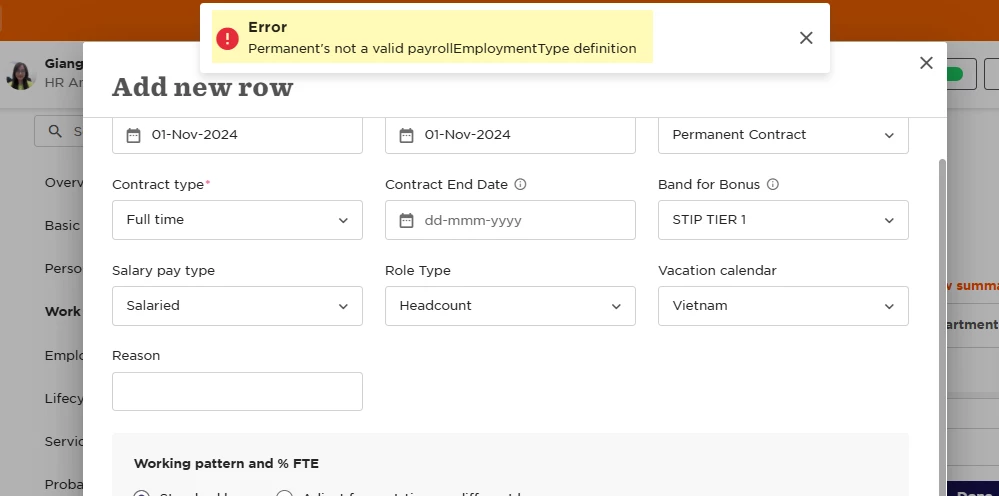
This usually happens when a previously used list value or field is archived. Even if you're only trying to update or add a row, Bob validates the entire table, which triggers the error if any archived elements are still referenced.
What’s causing the issue?
There are typically two possible causes:
-
An archived list value is still selected in a field within the row
-
An entire column previously used in the table has been archived
What can you do?
To resolve the error, you can try either of the following:
-
Option 1: Unarchive the value
Unarchive the missing value, make your updates, then archive it again. -
Option 2: Delete and recreate the row
Delete the affected row entirely and re-enter it with current, valid values.This is usually the easier and more reliable option.