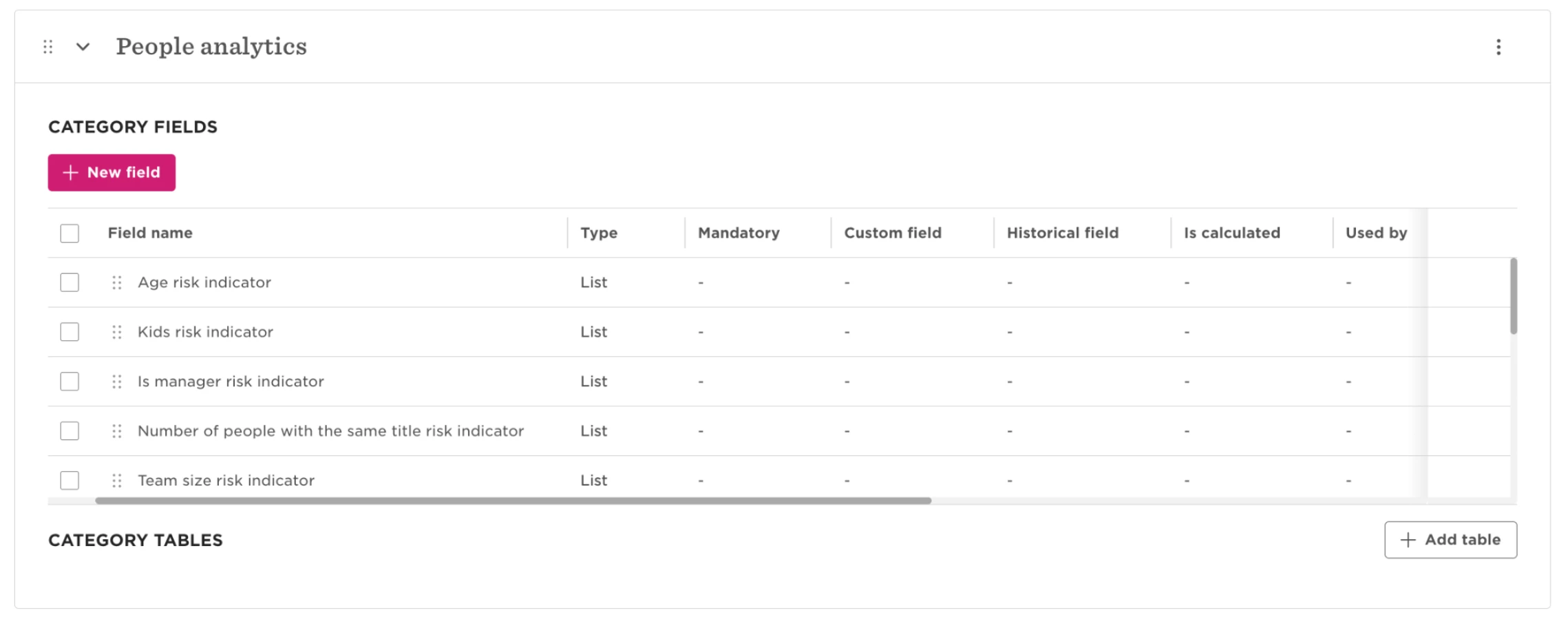
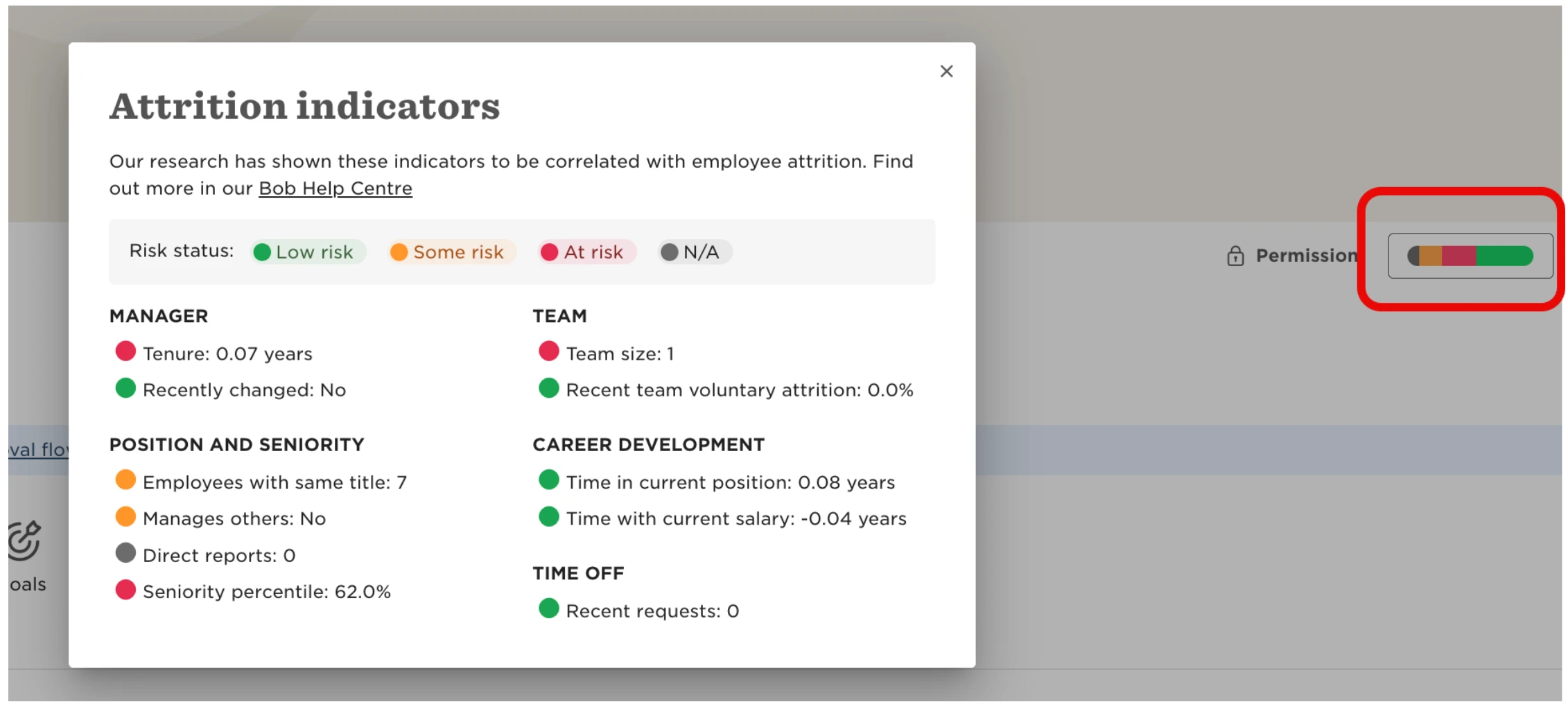
If the attrition indicator on employee profiles appears grey or doesn’t display any data, check that the People Analytics section and its fields haven’t been archived.
Bob uses fields from the People Analytics section to calculate the data displayed in the attrition indicator. If this section and its fields are archived, the data needed for the calculation is unavailable and the attrition indicator may appear empty.
To resolve this:
- Check whether the People Analytics section has been archived.
- If it has, unarchive the section to restore its fields.
- Allow some time for the attrition data to populate again after restoring the section.
The same logic applies on a field level: if a specific field from the People Analytics category is archived, then the respective attrition indicator will not appear.
Once the relevant data is available again, Bob can recalculate the attrition indicator.