

If you record two consecutive parental leave periods using different employee states, an employee set to Inactive during the second leave cannot be invited to Bob.
When an employee has two consecutive leaves of the same type, such as one Parental Leave immediately followed by another Parental Leave, the leave periods can be recorded with different states:
- First Parental Leave — Active
- Second Parental Leave — Inactive
The employee's state during the leave is determined by the Remain Active setting in the leave flow.
If the second leave is set to Inactive, the employee is considered inactive during that leave. As a result, you cannot invite them to Bob while they are inactive.
When you try to send an invitation, Bob displays an error indicating that an inactive employee cannot be invited.
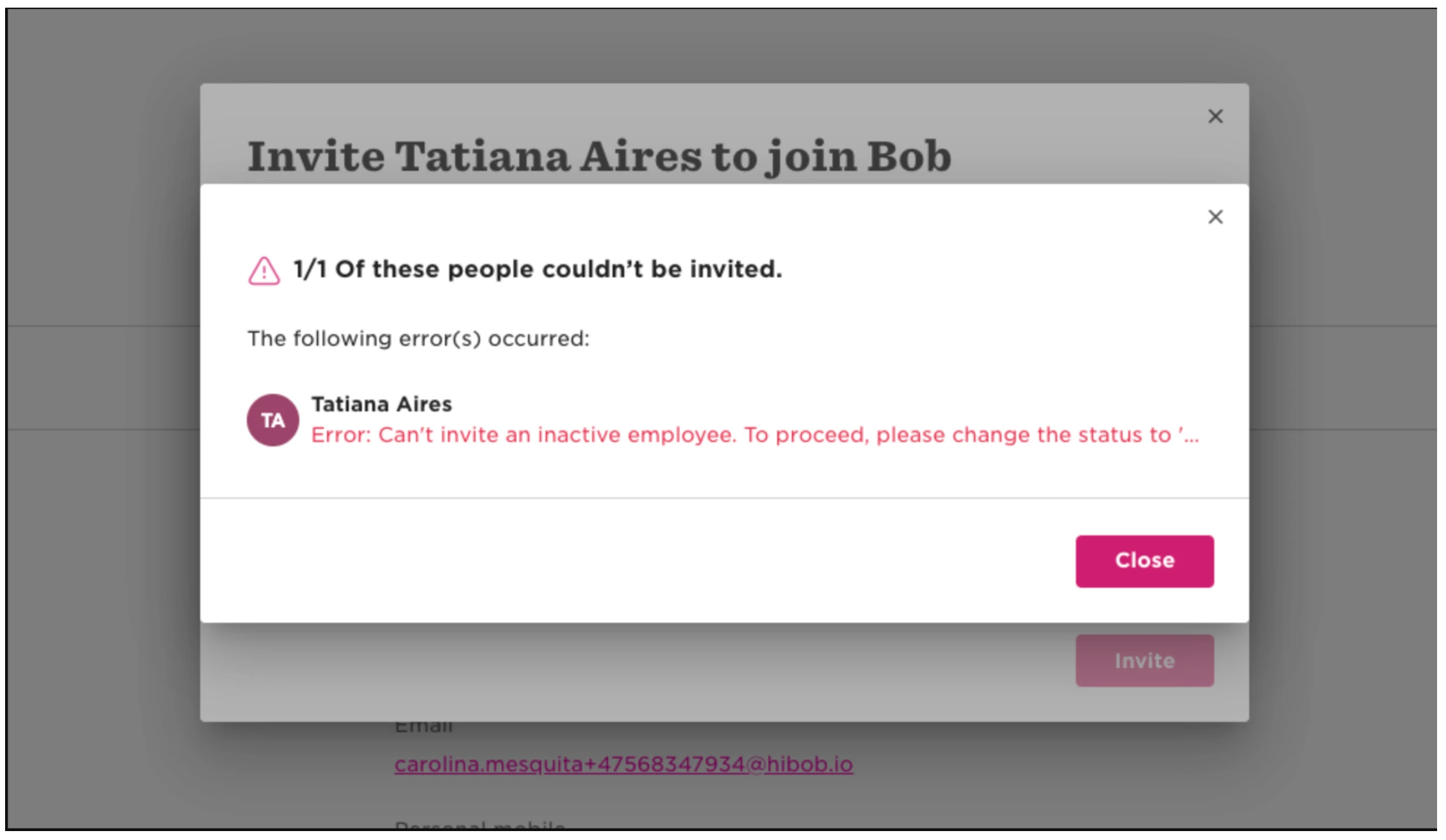
This means that using Inactive to differentiate two consecutive Parental Leave records may not be suitable when the employee needs access to Bob during their second leave.
If the employee needs to remain Active and retain access to Bob throughout both consecutive leave periods, this workaround does not support that use case.