


Need to log in but forgot your password? Here’s how to reset it quickly.
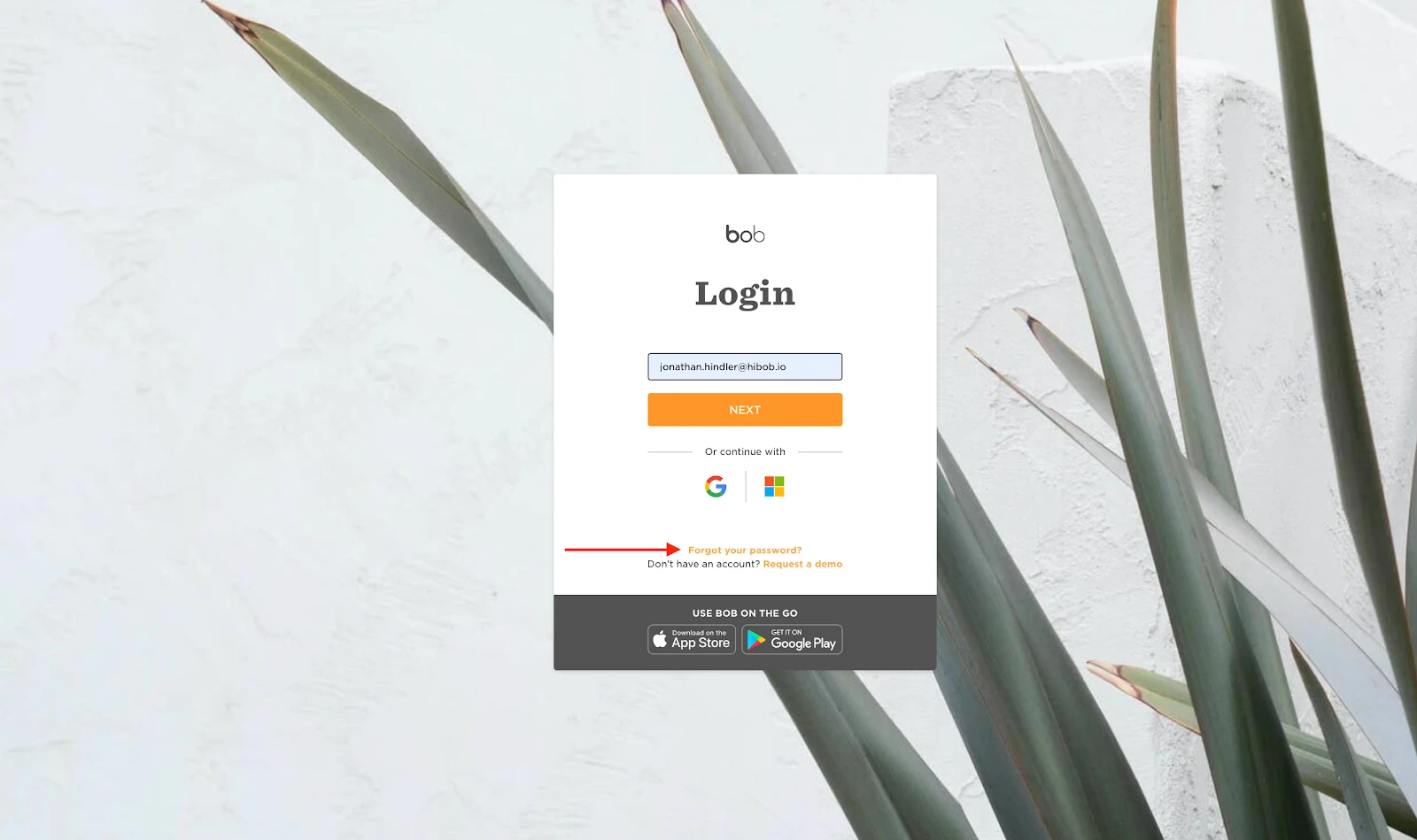
- Go to the Bob login page
- Click Forgot Password? under the login fields
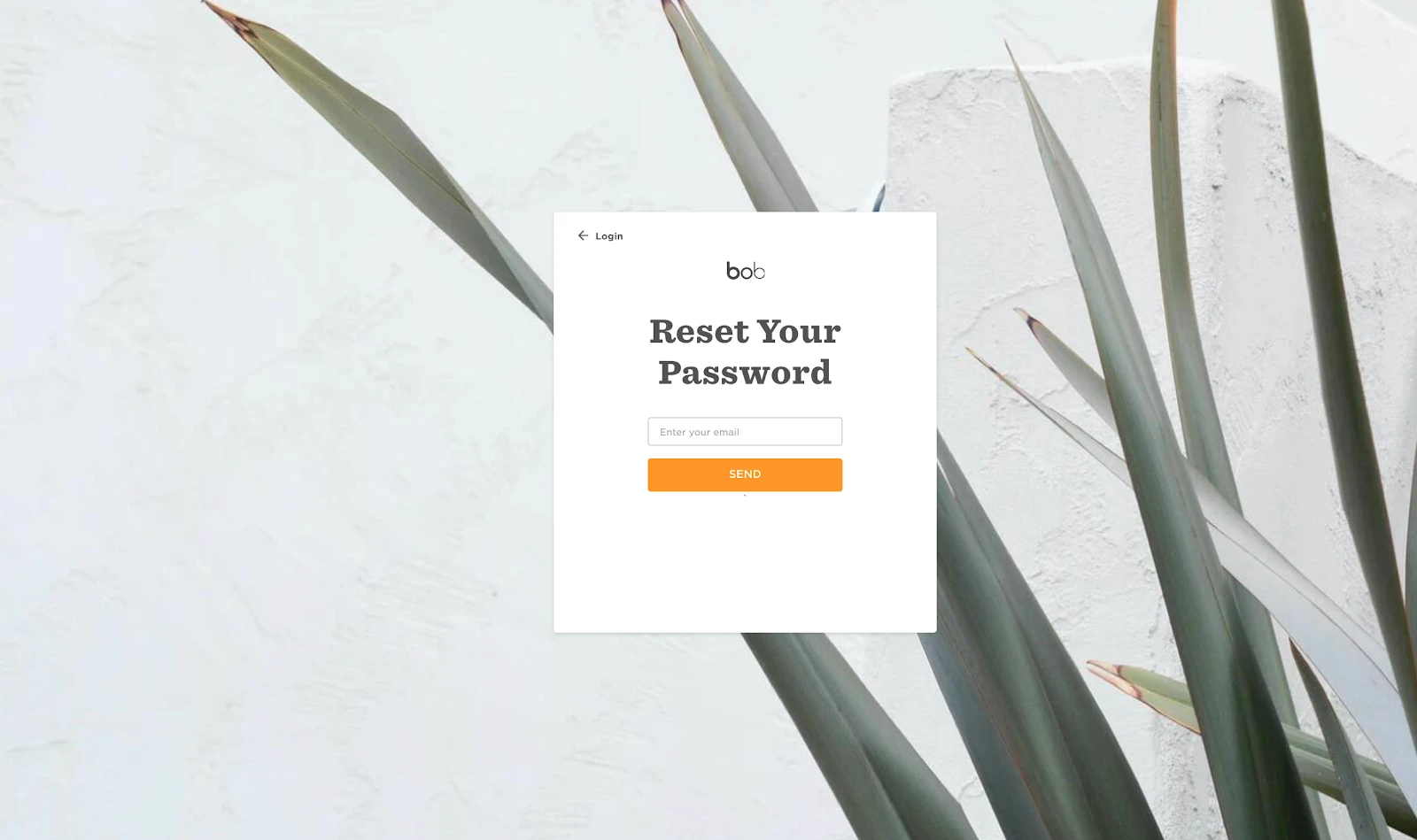
- Enter the email address associated with your Bob account
- Check your inbox for the reset link and follow the instructions in the email
Please note: Passwords must be at least 8 characters long and include one capital letter and one number.
Tip: If the reset email doesn’t arrive within a few minutes, check your spam or junk folder. Still not there? Reach out to your Admin or contact our support team.