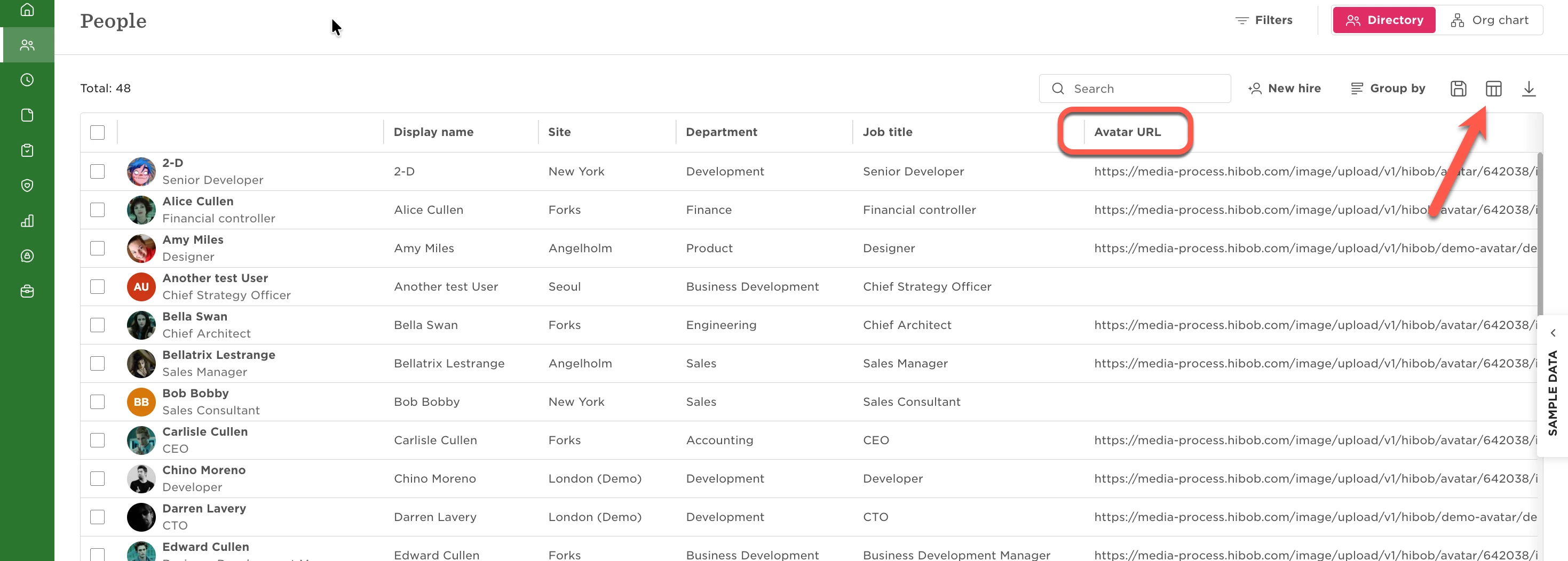
Bob doesn’t currently have a built-in option to bulk download employee profile pictures. The available workaround is to export the Avatar URL data for the employees you need, through People Directory.
- Go to People > Directory.
- Use the column picker to add the *Avatar URL* column to your directory view.
- Note: if you don't see this field, either the name was changed or the field is archived.
- Apply any filters you need, such as active employees only.
- Export the directory to Excel or CSV.
The exported file contains an Avatar URL for each employee, *which links directly to their profile picture*. This lets you access the pictures more systematically, instead of opening each profile one by one.