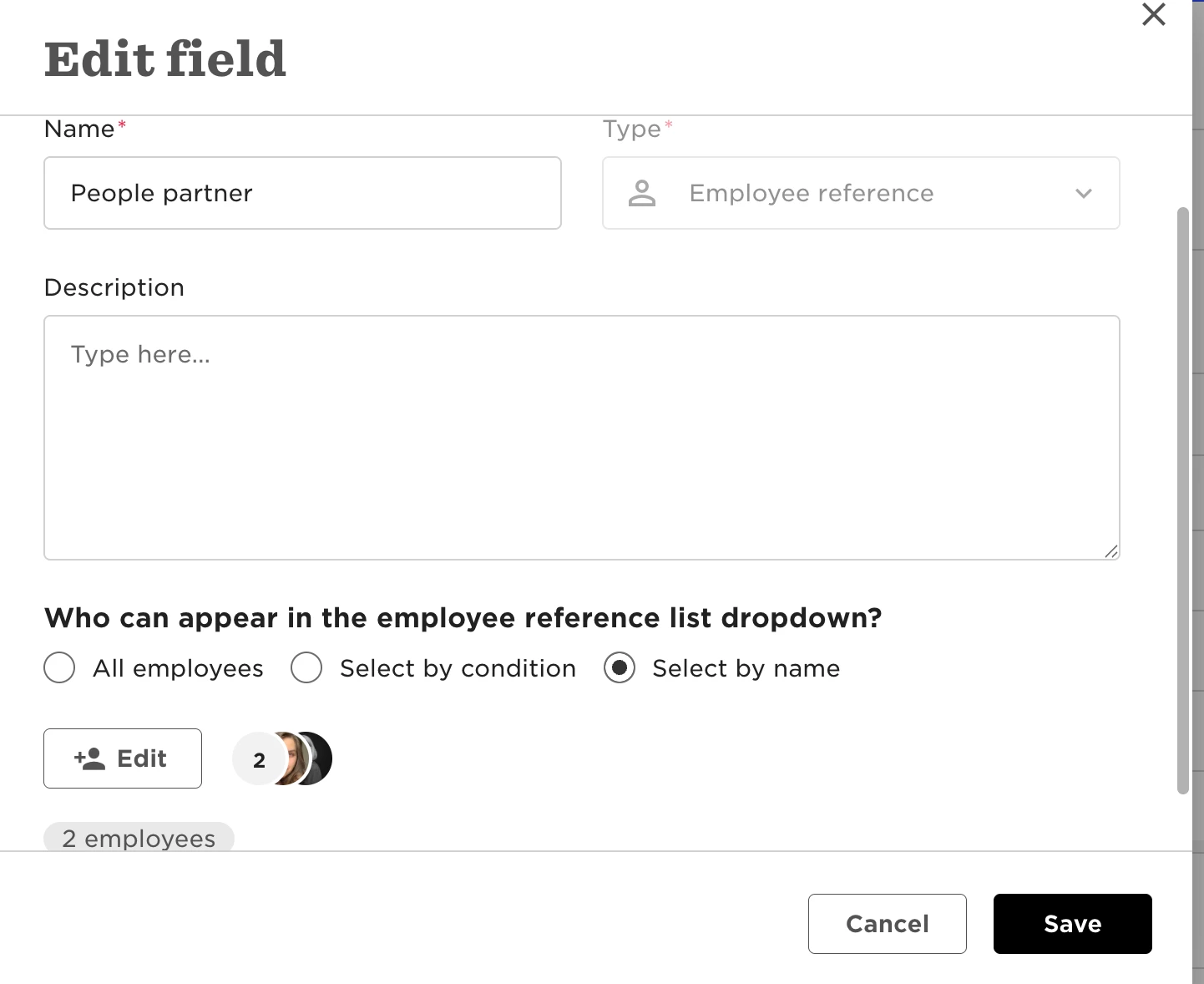
Creating new roles for approvers or task asignees.

  • September 21, 2023
  • 14 replies
  • 590 views

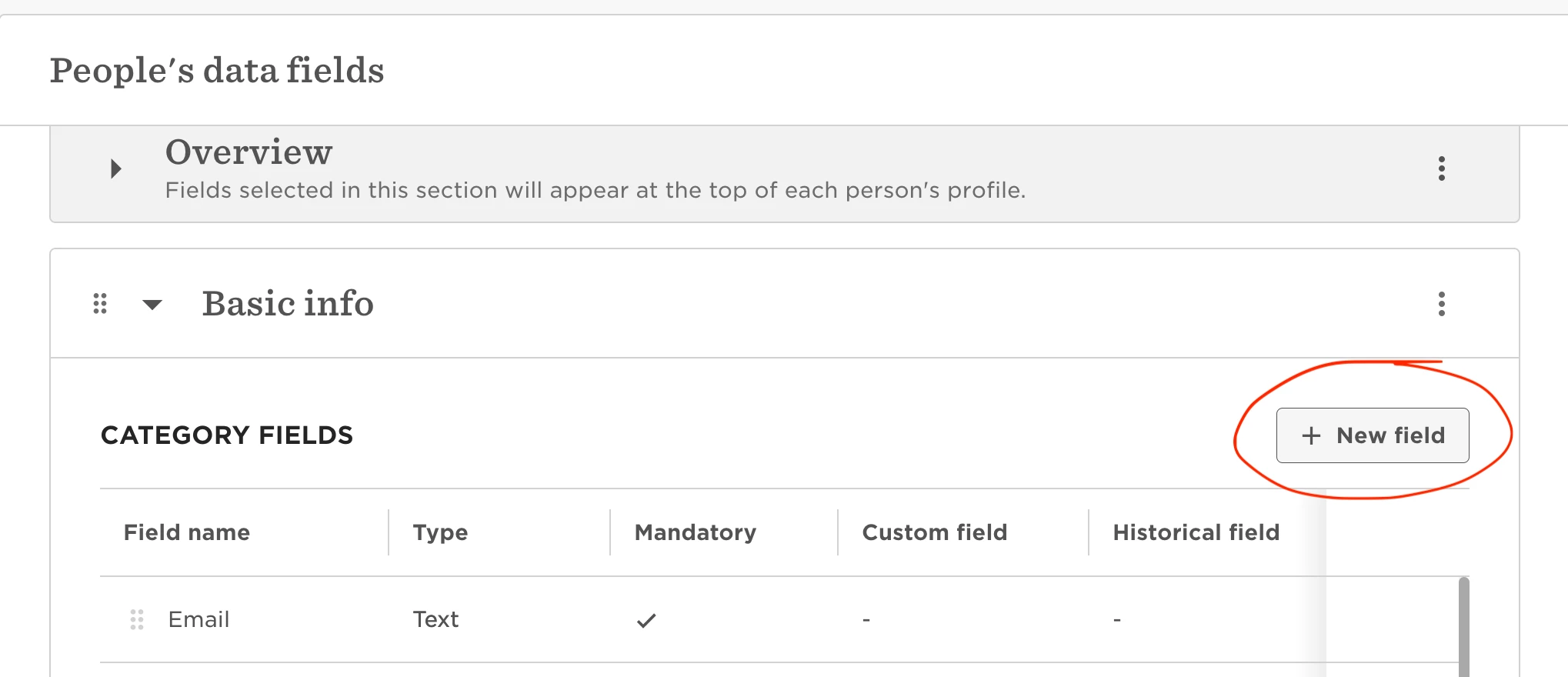
Roles are taken from an employee field type called an employee reference field, which can be created by going to:

14 replies

Where is the Employee Fields setting button, though? 


@Fisqa Tasyara Hi!

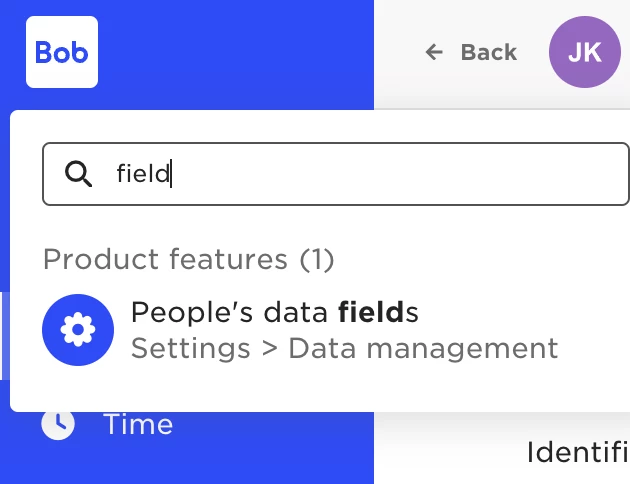
I just put word “field” into search :)


Maital Terdiman
Bobber

Hi @Fisqa Tasyara 

You can follow @Daria Konoval’s way which is always a quick win. 

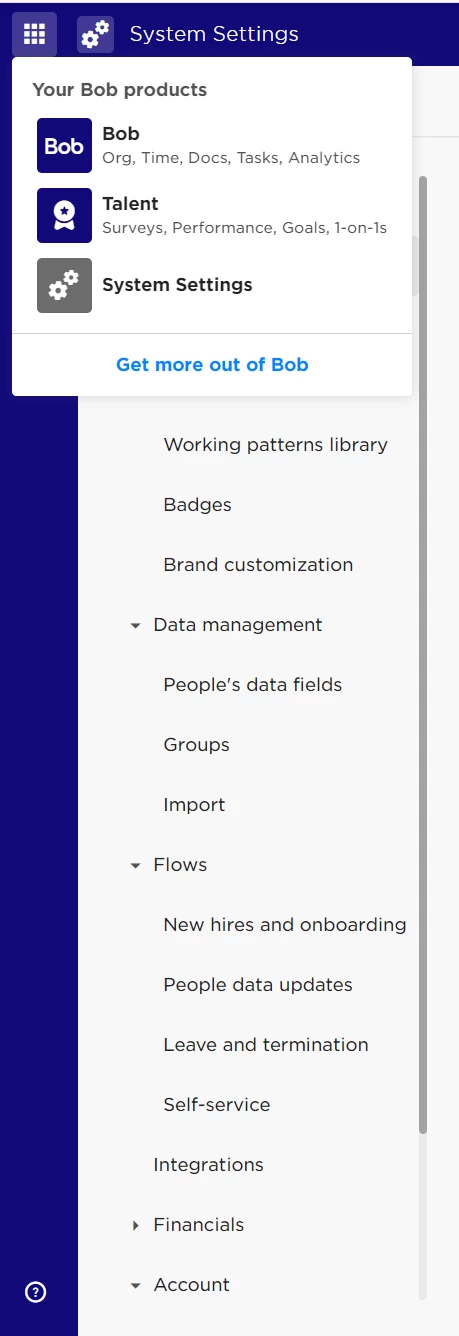
You would normally find the People’s data fields in the System Settings tab, under Data management 🤓


Thank you for the replies. So, do I need to make a new Category, then make a new field? I want to add HR to show up on the Roles list when I need to assign a task.


Hi @Fisqa Tasyara !

You can create a new category (if you do need a separate category for that) or you can add new filed to existing category (see 1st screenshot). 

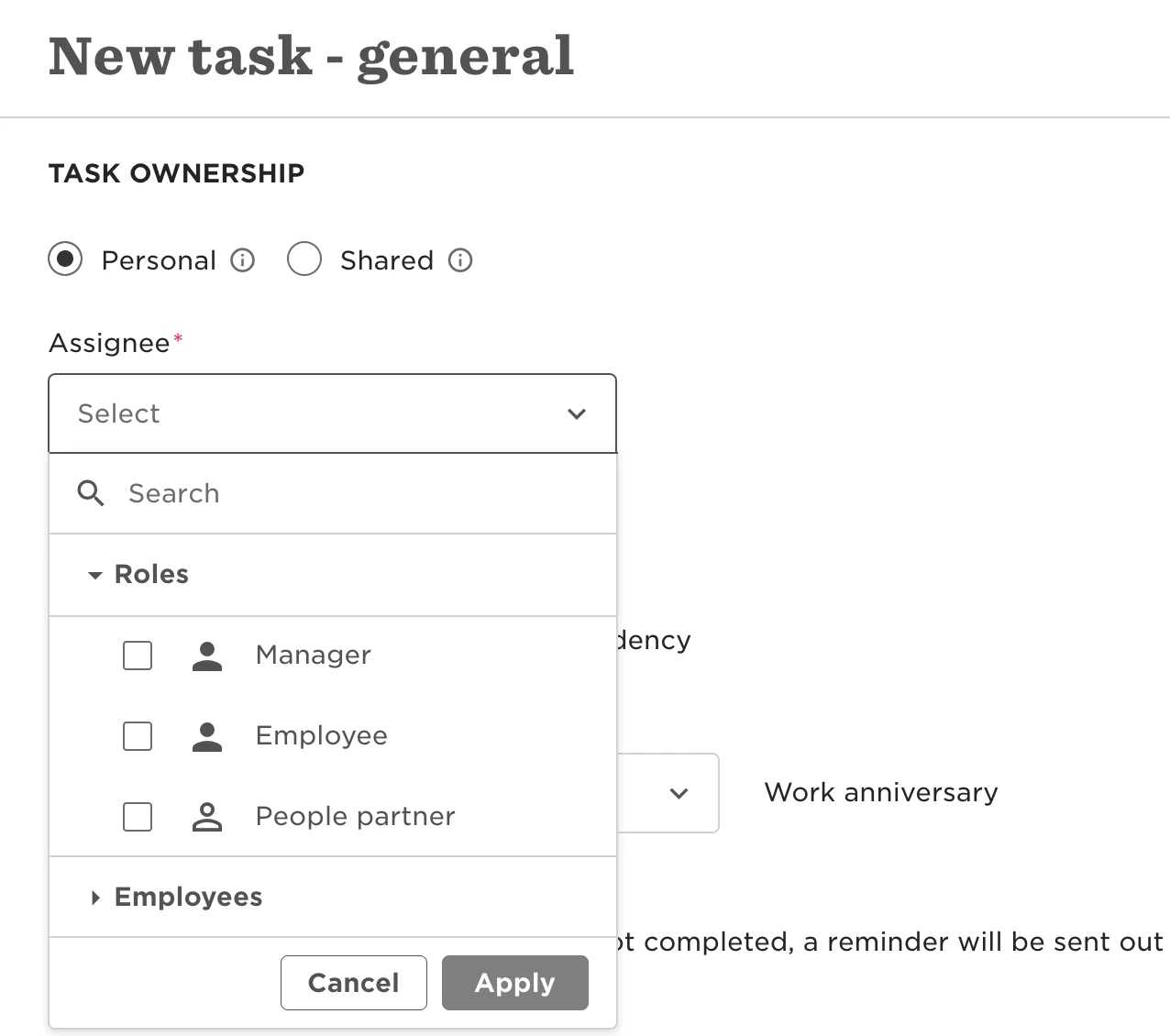
After creating New Field > Type: Employee reference field you will be able to pick this role as assignee to the task (see 2nd screenshot)


ah! That makes more sense now. :D

Thank you for the explanation!!


  • July 1, 2025

Sorry to reawaken this - can one select a group as the ‘people partner’ rather than a person? 


Maital Terdiman
Bobber

Hi ​@Andrea K 

Unfortunately this is not a supported feature in bob, employee reference fields are currently built to reference one individual.

🤓


We have the role “HRBP” assigned to our employees. How do we change who is the HRBP for an employee? If I add a new person to the HRBP permission group, this person doesn’t appear in the list I can choose from, when I click the pencil in the correct category.


 Hi ​@Merete Lintrup,

To add people to your HRBP list, you’ll need to work directly with the employee reference field. Let me walk you through an example:

  1. First, create an employee reference field.

  2. Then, adjust the settings to define which people can be added there (see screenshot).


  3. Once your employee reference field is set up, open an employee profile and select the responsible HRBP from the predefined list in that field.
     

Hope this helps!


Is there a way to automatically update one of these roles when an employee moves between departments?
For example, if an employee goes through an internal mobility process and transfers from one department to another, can the HRBP field (or any other role field) be updated automatically based on the organizational structure or predefined rules?


Is there a way to automatically update one of these roles when an employee moves between departments?
For example, if an employee goes through an internal mobility process and transfers from one department to another, can the HRBP field (or any other role field) be updated automatically based on the organizational structure or predefined rules?

Hi Lior

I havn’t tried this, but an idea is to see if it can be done based on field dependencies? If you make department the parent field and HRBP the child field?


  • February 4, 2026

Hello there, have been looking into the difference between role and employee which seems in reality to be none as in both cases it can only be one person. 

I see you have been adding Approvals under Bob but I wonder what happens if an employee is on vacation when a flow is triggered and not assigned to a group but a role or employee? 

Task lists can be assigned to groups but not flows? 


Jasmine Hepherd

Hey ​@Sinna , thanks for your query!

Please refer to the following recording which should assist :)