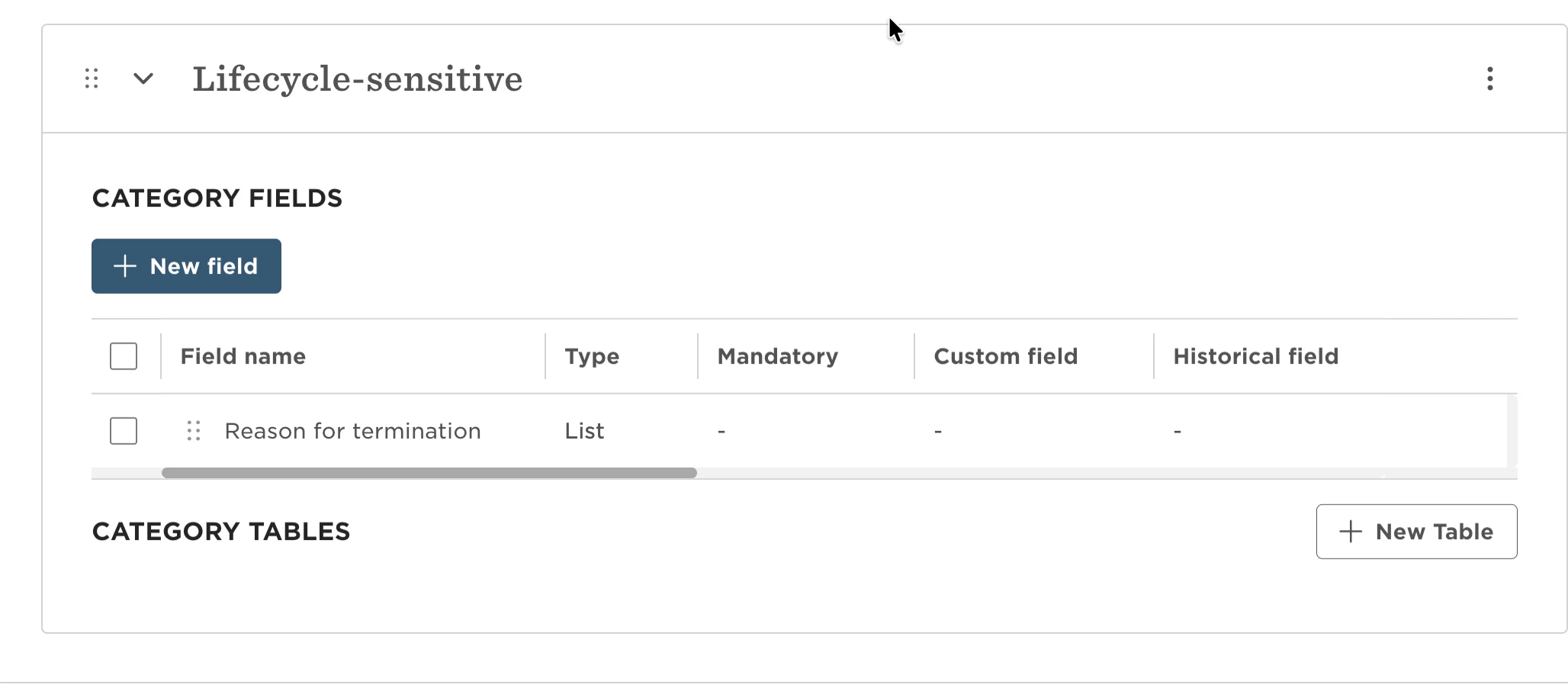
Keep sensitive lifecycle details, like termination reason and type, visible only to the right people by grouping them into a dedicated category and controlling access through permission groups.
Start by creating a new custom field category in System Settings called lifecycle-sensitive. This will act as a separate space for any confidential lifecycle data.
Next, go to your employee fields and move sensitive fields (such as termination reason and termination type) into this new category. This keeps them clearly separated from standard lifecycle information.
Now head to Account > Permission groups and update access:
For employees or groups that shouldn’t see this data, remove access to the lifecycle-sensitive category
For HR, admins, or other authorized roles, grant view/edit access as needed
Leave general lifecycle fields, like start date, end date, and employment status, in the default lifecycle section so managers and employees can still access basic information.
Once everything is set, test with a few different permission groups to confirm:
Sensitive fields are restricted correctly
Standard lifecycle data is still visible where expected