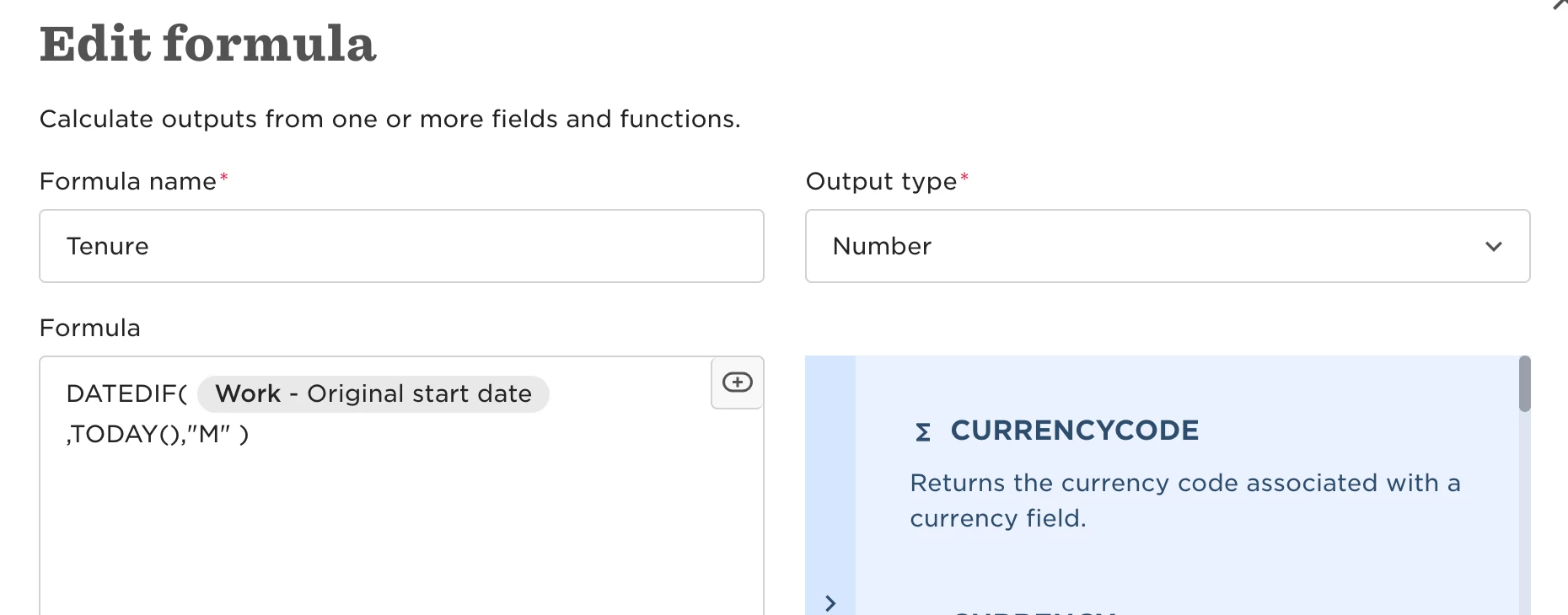
Go to employee profile → Actions button → Work Changes → Change Start Date
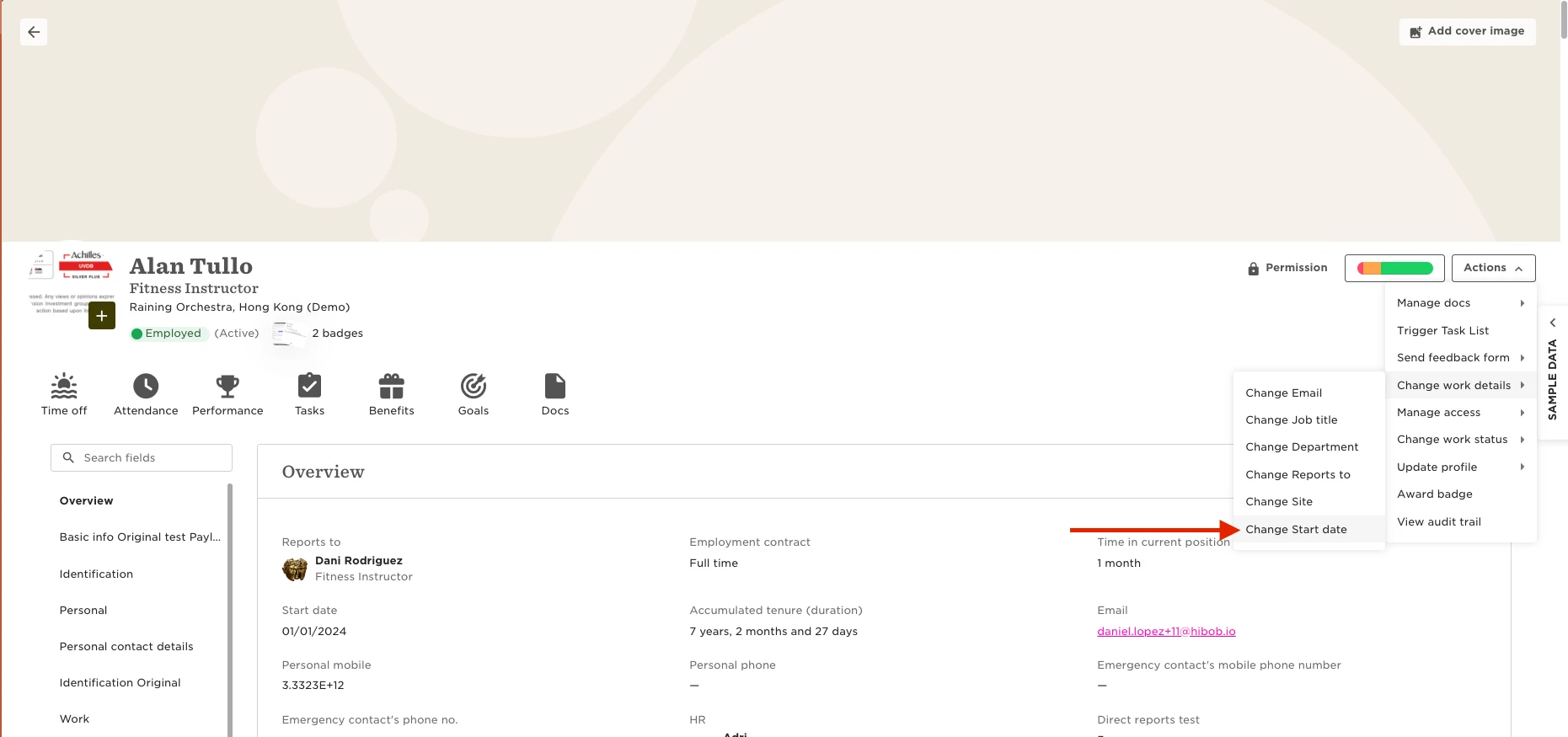
The updated start date will affect all relevant effective dates such as Work, Employment, etc.
Note: if you have auto-scheduled task list based on start date, tasks with Scheduled status will be modified according to the new start date.