

If a user has permission to edit other employees' profile photos or avatars but still can't make changes, check whether they also have permission to edit the About category.
The functionality for editing profile photos and avatars is tied to the default About category permissions.
If the Avatar URL field has been moved from the About category to another category, giving the user permission to edit the Avatar URL field alone may not be enough.
To resolve this:
- Check the affected user's permission group.
- Confirm that they have permission to edit other employees' profile photos and avatars.
- Check whether they also have permission to edit the About category for other employees.
- If they don't, grant them edit access to the About category.
- Ask the user to try updating another employee's profile photo or avatar again.
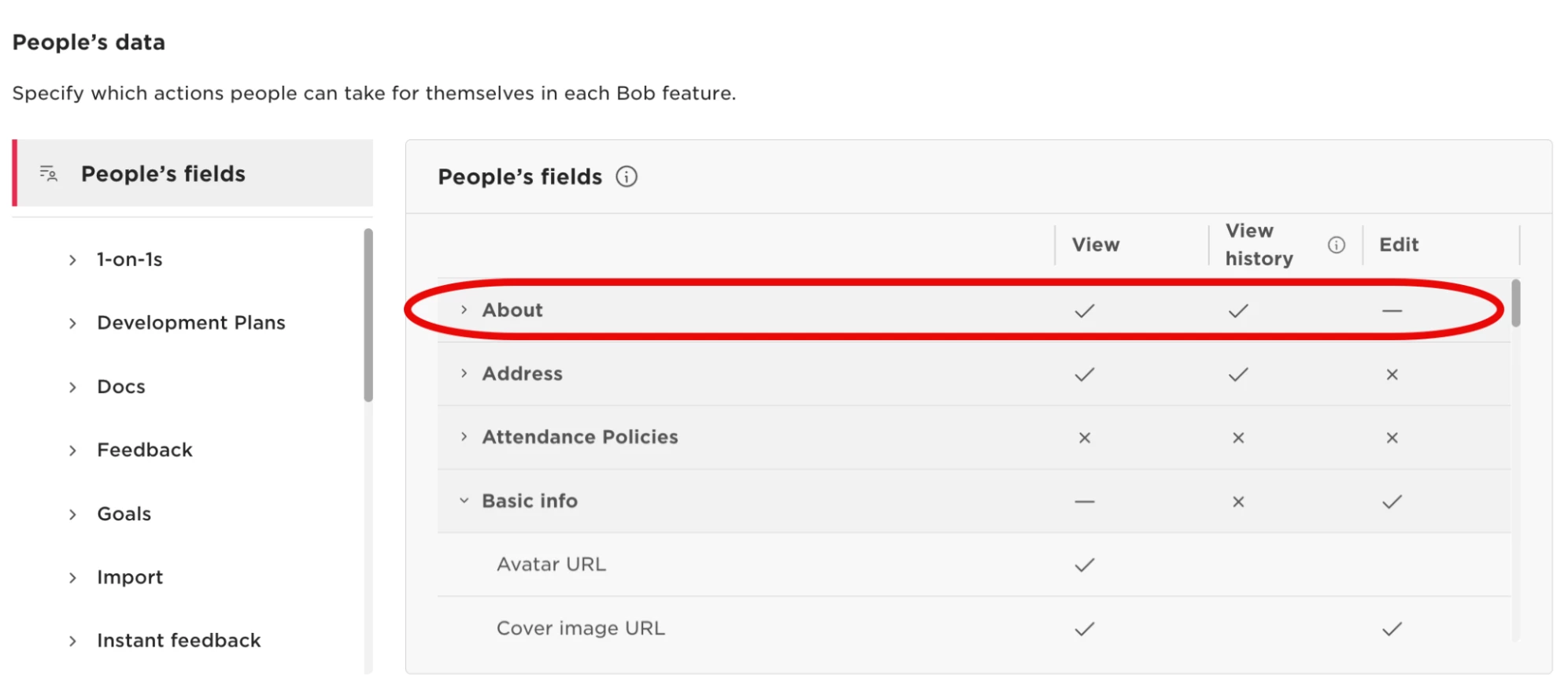
In the confirmed case behind this solution, the user already had permission to change other employees' profile photos and avatars, but the Avatar URL field had been moved from its original category. Granting edit access to the About category allowed the user to update avatars successfully.