

You can replace the PDF in an existing e-sign template to update the document used for future signature requests.
Update the template:
- Go to Docs > E-sign templates.
- Open the template you want to update. If you want to keep the original as a backup, create a copy first.
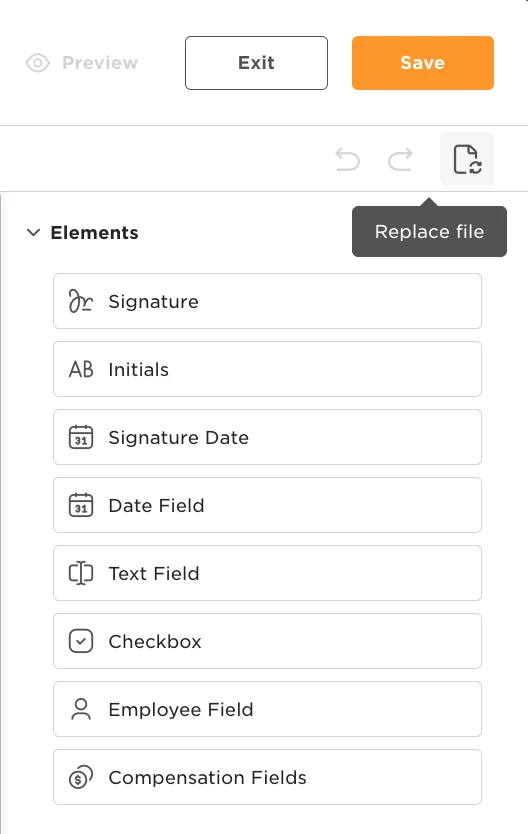
- Click Replace file in the top-right corner and upload the new PDF.
- Review the signature placements and other fields. Adjust them to align with the new document.
- Save your changes.
Previously signed documents:
Replacing the template file does not change previously signed documents. If employees need to sign the updated version, send them a new e-sign request.
Pending signature requests:
To update requests that are still awaiting signatures:
- Go to Docs > People’s requests and filter by Pending.
- Cancel the relevant requests using the old version.
- Update the template following the steps above.
- Send new e-sign requests using the updated template.