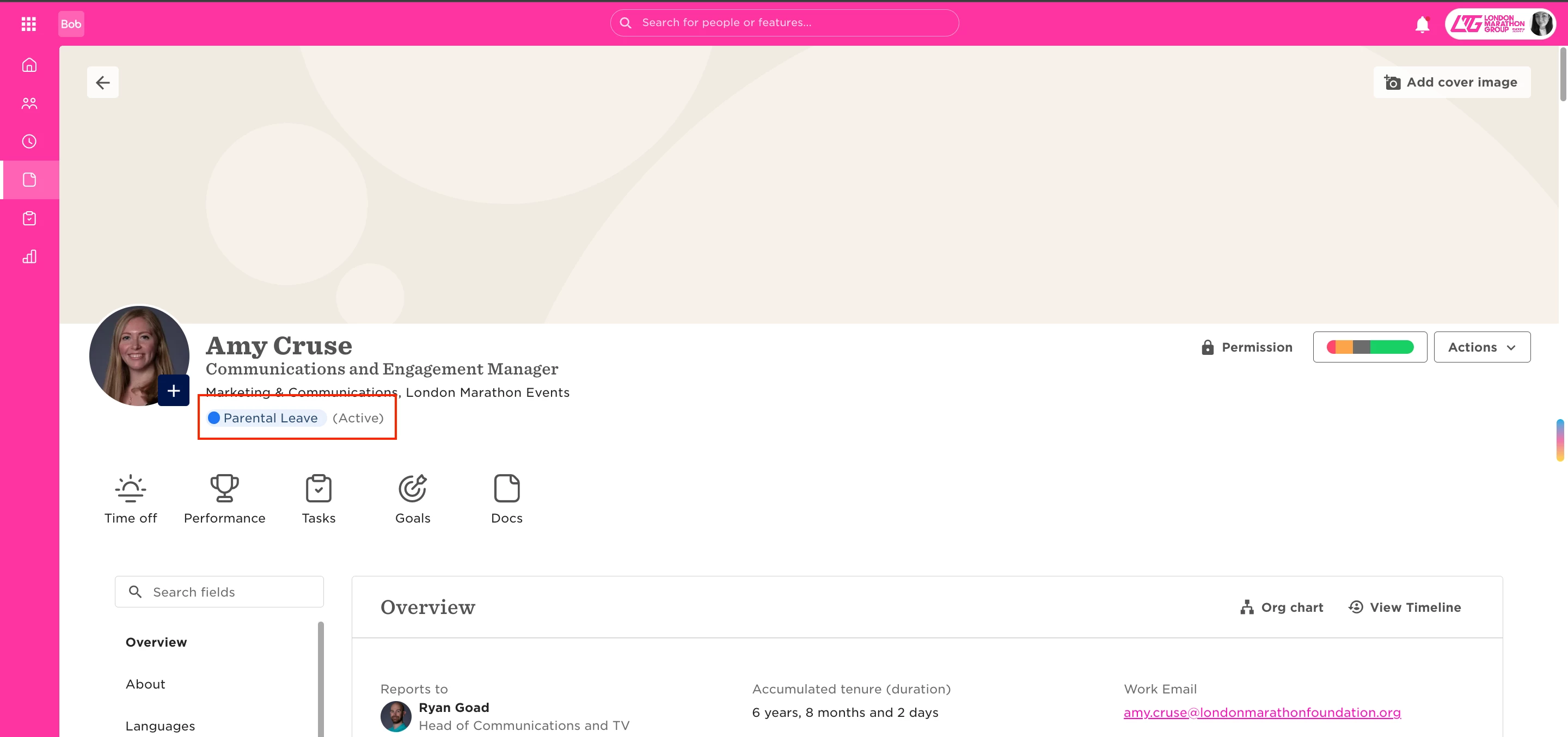
If certain employees can't access a shared folder, their employment status may be limiting their visibility. By default, some folders are only visible to users marked as “Employed,” which can exclude those on leave or in transition. Here’s how to update permissions:
-
Go to Company Settings > Documents.
-
Find the folder in question.
-
Open Folder Visibility Settings.
-
Update the visibility conditions to include relevant statuses like Parental Leave, Leave, or any other group you want to include.
-
Click Save. The folder will now be visible to employees matching those conditions.
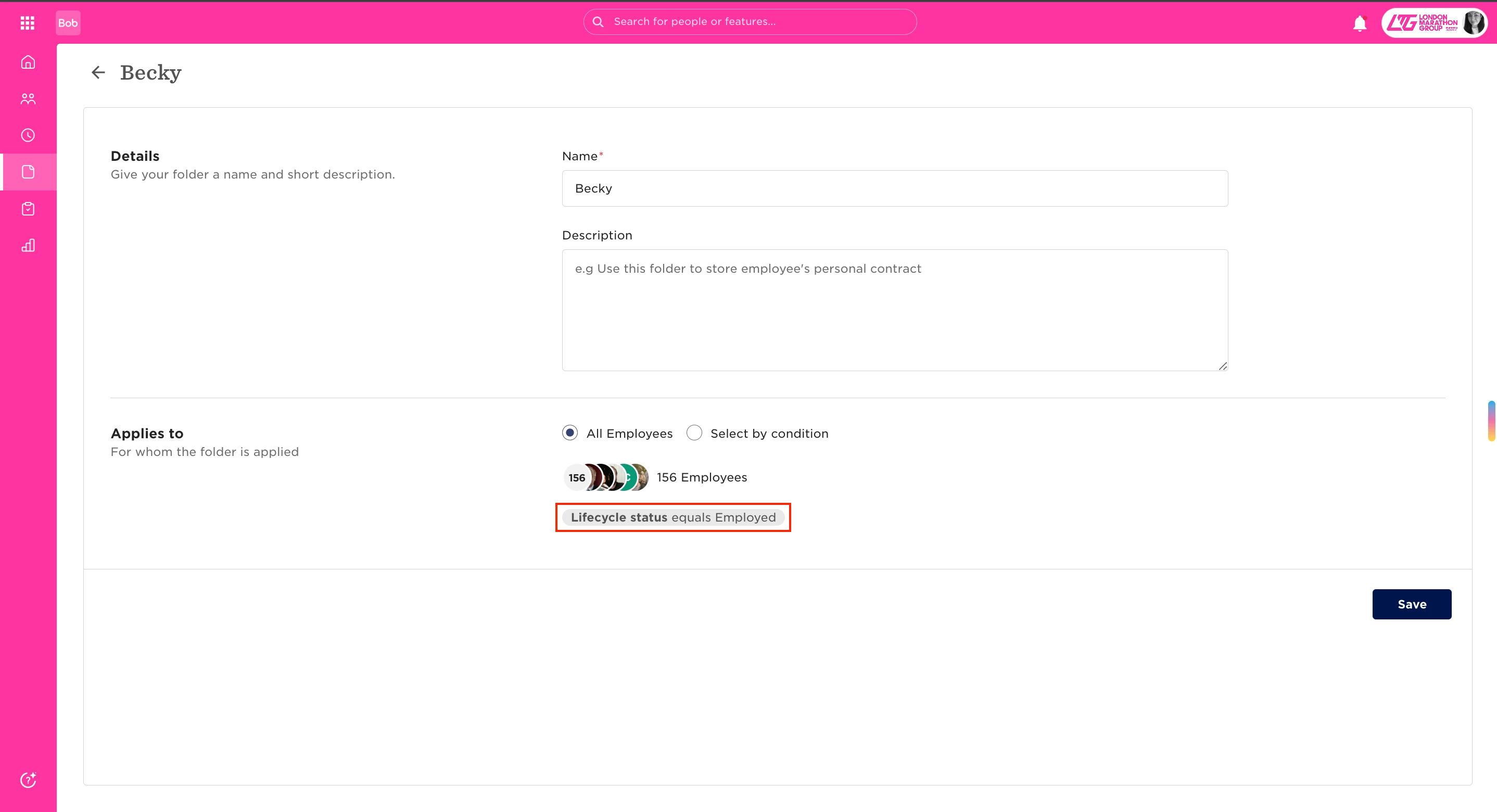
HiBob uses several employment statuses that determine system access:
-
Uninvited – Employee never had account access (e.g., terminated or on garden leave).
-
Pre-boarding – Invited but not yet started.
-
Invited – Sent an invite but hasn’t logged in yet.
-
Active – Fully onboarded with full system access.
When setting folder permissions, be sure to include all relevant statuses to avoid unintentionally limiting access.