

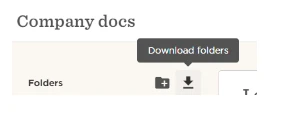
For company docs you can download all docs in bulk via Download folders icon in Docs > Company docs. The file with all company documents will be sent to your email.
For employee docs you can either download a specific file of the employee via Docs > People's doc > Select the files you want to download and by clicking on the Actions button you will be able to download the files.
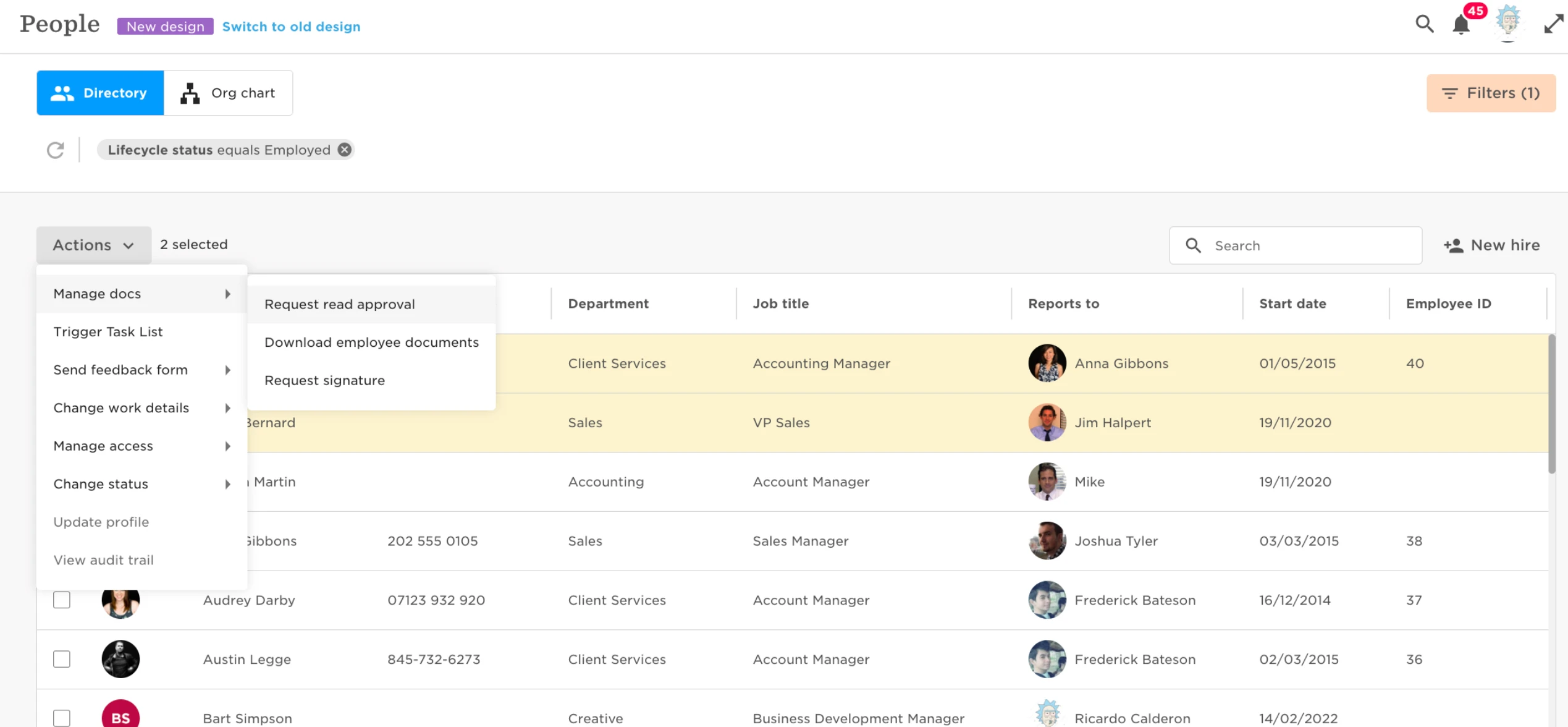
Another option is to download in bulk via the Directory > Select the employees you want to download their files > click Actions > Documents > Download employee documents, you will download all of the employees docs in all folders.
A zip file link will then be sent to your email which you can click to download the compressed folder.