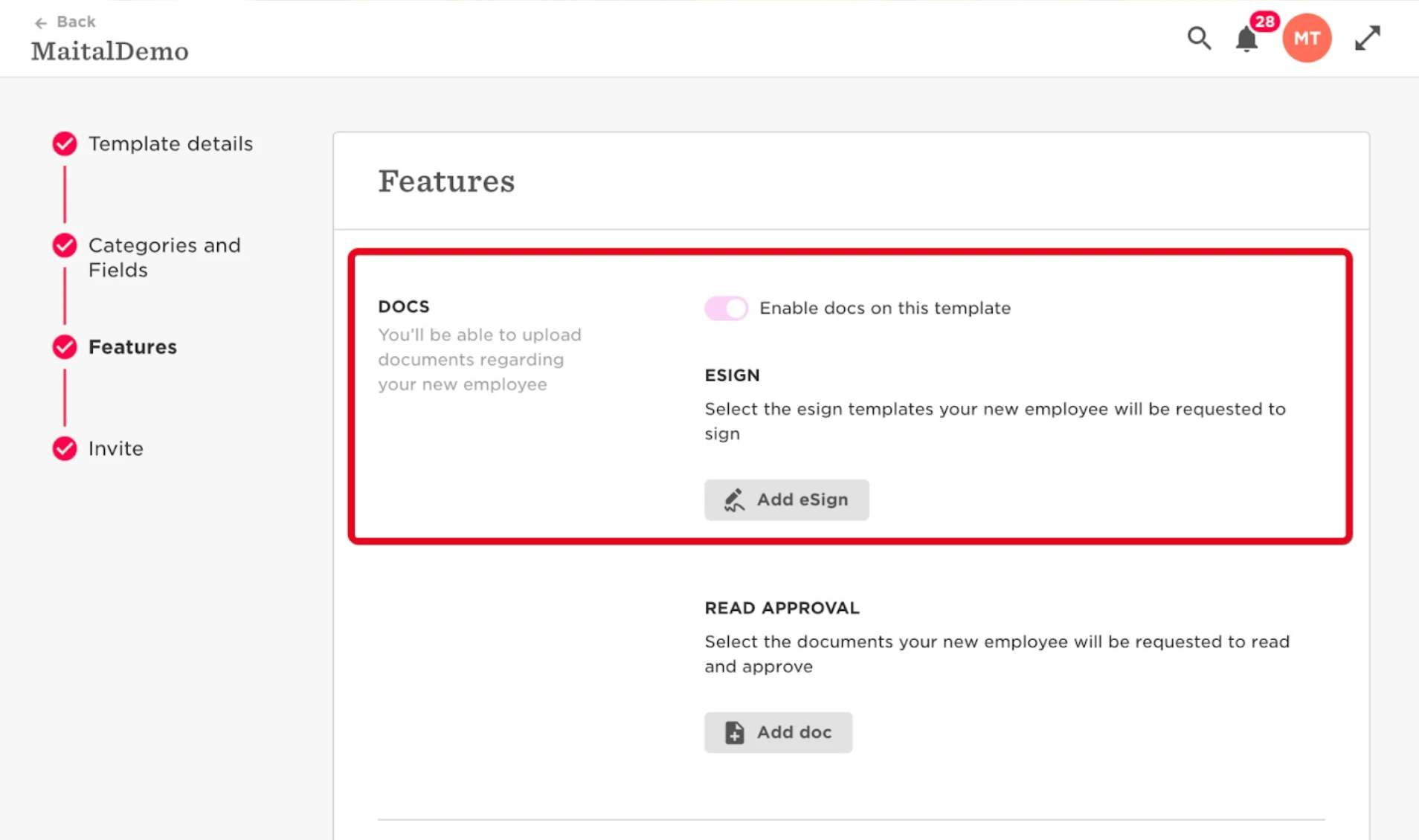
When setting up an employee via the New Hire flow, you will be able to assign a template for a signature (eSign) during the 'Doc's stage of the flow. The new hire will then be able to access the docs in their onboarding flow (in the invite they got to their personal email).
- Settings
- Flows
- New Hires and onboarding (you can get more information here)
In order for this to operate as expected, new hires need to have permissions to the docs folder.
Settings > Permission groups > All employees > own data > Docs - ensure that users have the ability to view AND upload to the Shared docs folder or any other custom folder client might have.

Add the specific eSign template and choose the destination folder:

The signed docs will be saved in the destination folder that the client chooses here (or this can be modified per employee on the new hire wizard).
Related article - https://help.hibob.com/hc/en-us/articles/4409776168849-Set-up-an-Employee-Onboarding-flow#01FZWYG68JA50MK1B7860P859B