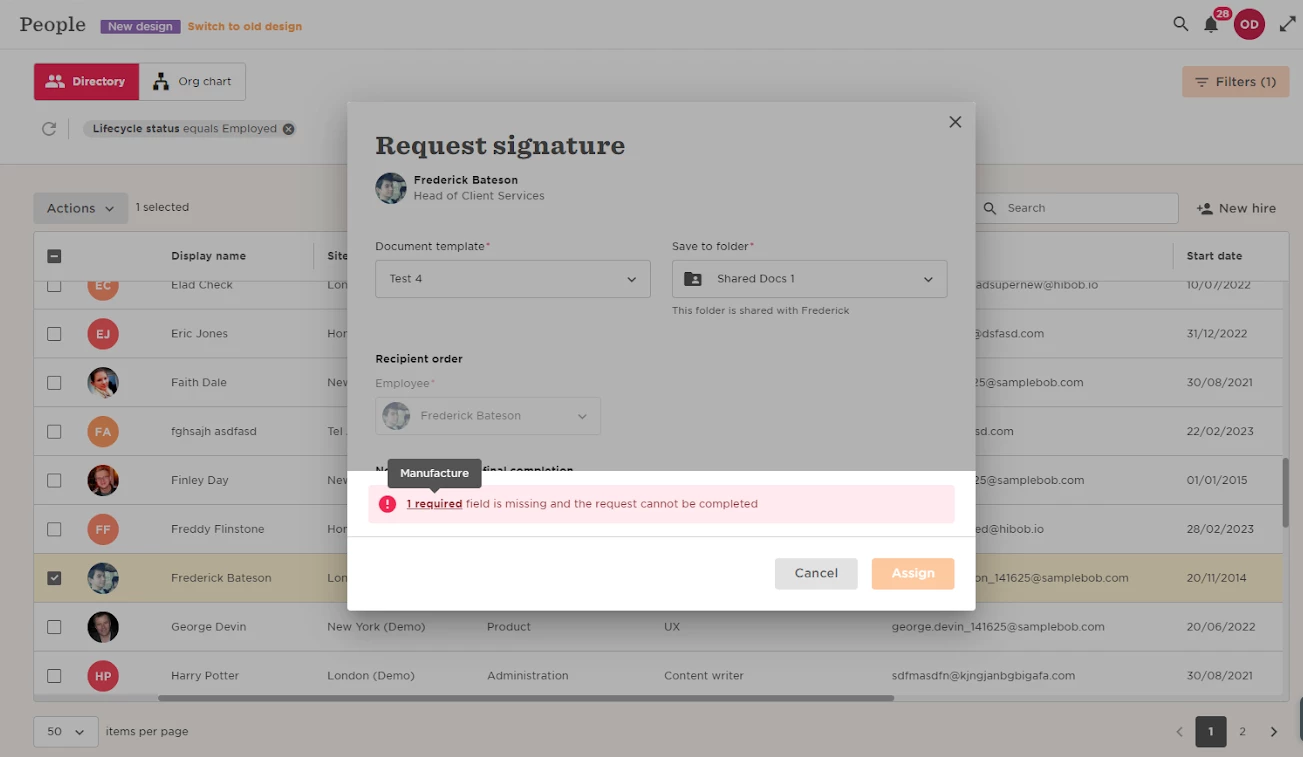
Error type: “Required field is missing and the request cannot be completed”

  • July 31, 2023
  • 3 replies
  • 69 views

This means the template has a mandatory employee field that in case it is empty, the eSign will not go through


3 replies

We would like to have an employee document request incorporate fields that employees will input in their onboarding flow. Is there a way to easily do this? That way, employees don’t have to duplicate data entry on the PDF form (like their names and addresses).


Kiare Tavarez
Bobber

Hi ​@Noah Ismael! As long as the employee is hired, and has these fields already with a value, for example their first and last name, when creating the eSign, this should pull that information into the document they will need to sign. This is only available for signature type of documents. Is that what you were looking for? 


Hi Kiare:


When I was searching this error type, and after I wrote the post above, I had forgotten that there was already a separate, related thread and feature request. This describes the issue I was encountering:


Thanks,

Noah