Creating an esign doc without a signature

  • July 31, 2023
  • 4 replies
  • 340 views

You cannot send an esign request without any action required by the recipient.


However, an action doesn’t have to be a signature. You can add a date field or text field that will require the employee to fill and once they fill that they can click “done” and the document was seen by them.



4 replies

Heli Temper

Hi Daniel


that’s a great help. 

However, it would be wonderful to be able to see the status overview on bob and not only on external file. Maybe I just couldn’t find the right spot where to check the statuses? 😊


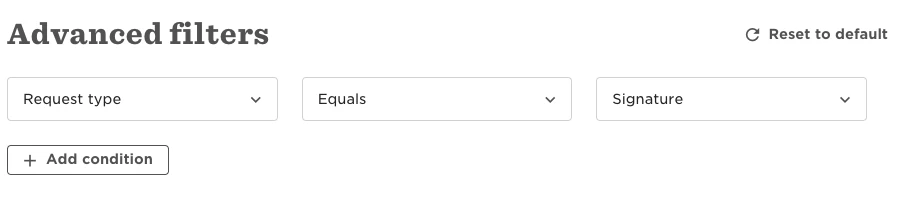
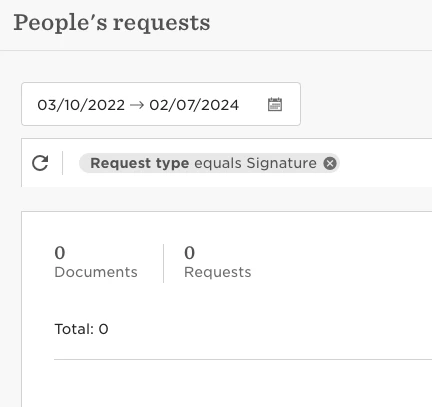
Update: tried to check the requests Docs → People’s Requests → and chose request type ‘Signature’ but with no results. However I just sent out the test requests to some people. What am I missing? 🤔


Lindsay Sinenberg
Bobber

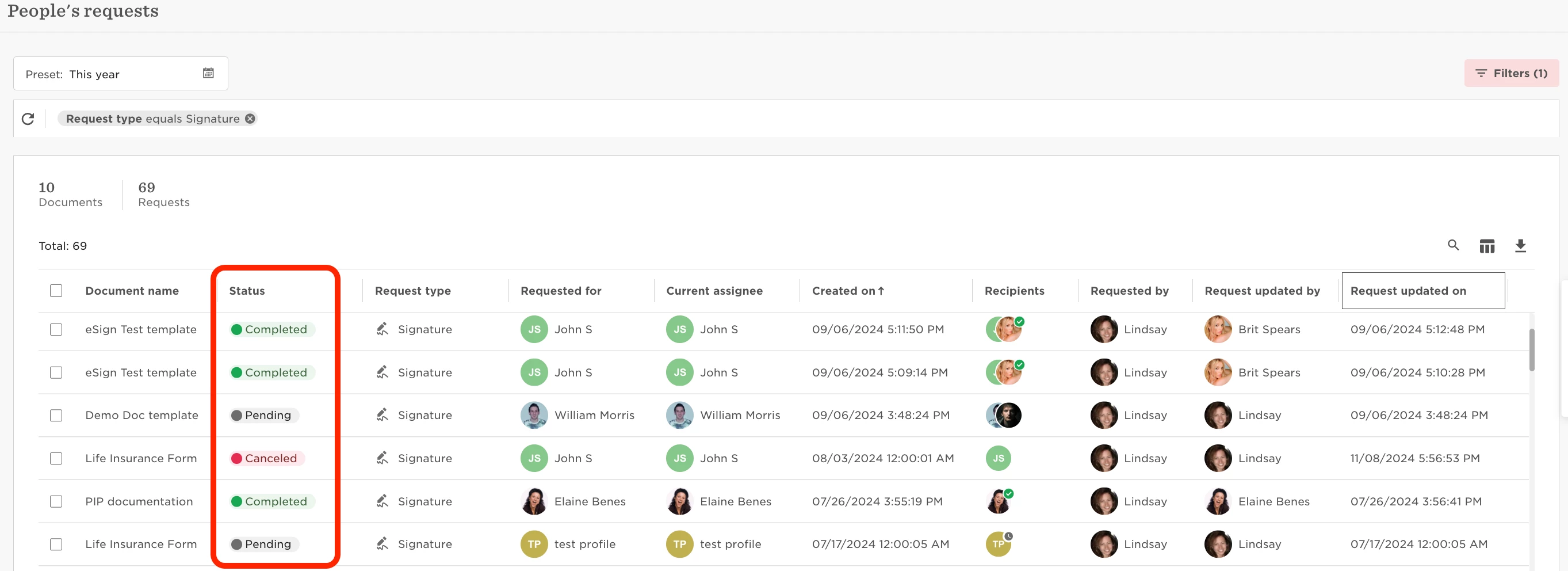
Hi @Heli Temper! The page should show any eSign document requests that have been sent to users to complete.
Example from my account showing all status types:


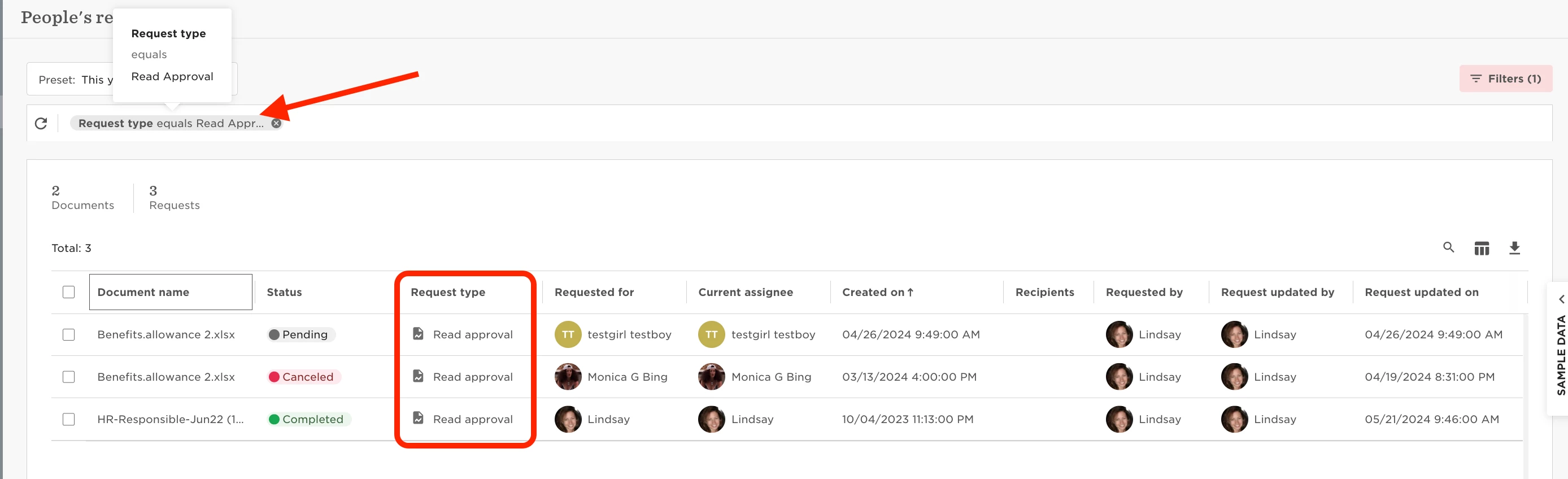
If you instead have not sent any eSign requests but Read Approvals instead (which do not required any action, as Daniel mentioned in his post), you’ll want to filter out those request types.


We have more information in our Help Center here about this People’s Requests page.


Heli Temper

Hi Lindsay


Oh, my bad, it’s all there, the period that I chose was wrong that’s why I didn’t see any documents. Sorry and thanks for the response! 🧡


Lindsay Sinenberg
Bobber

No worries at all! I’m happy that was a quick fix to solve the issue 😊
@Heli Temper