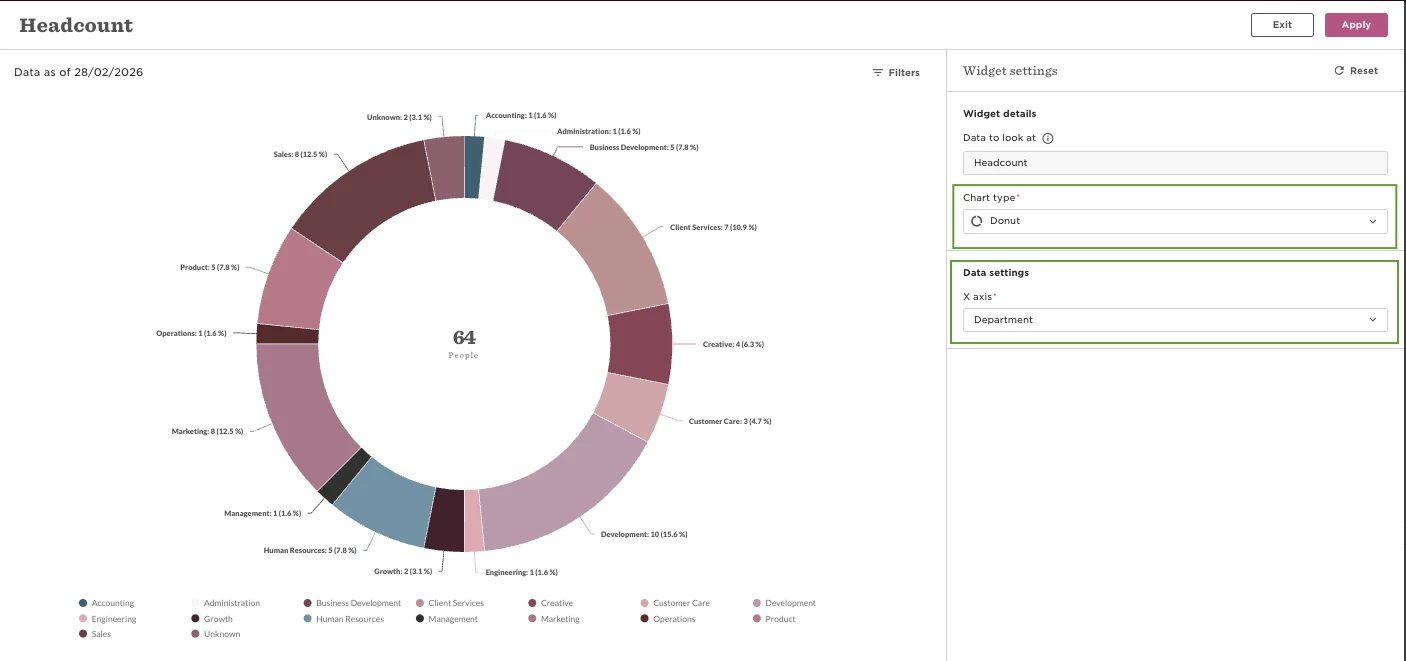

If you don’t see the Donut chart option in a dashboard widget, it’s usually because the data is set to display over time.
Donut charts are only available when the X-axis is not grouped by time intervals. If the widget includes a time-based breakdown (such as by month, quarter, or year), the donut option will be unavailable.
To enable the donut chart:
Make sure the X-axis is set to a non-time field (like Department or Employment type)
Once the data is no longer split over time, the donut chart option will become available.