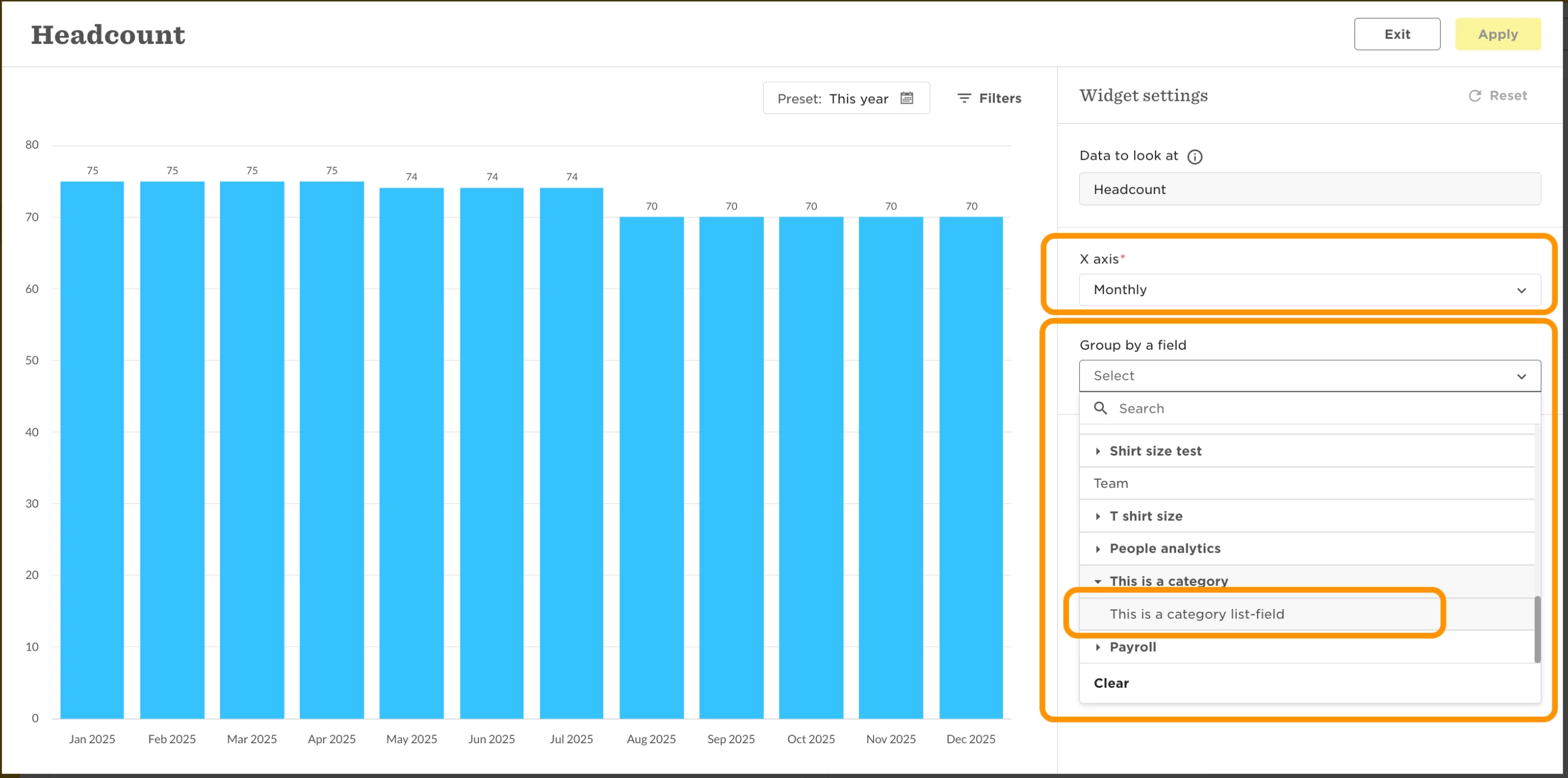
Wondering why your custom field isn’t available in your dashboard widget? Here's what’s supported and why.
Some custom fields can be used as the X-axis or grouping attribute in dashboard widgets, but only certain types.
To be supported, the custom field must be:
1. A list or multi-list field; AND
2. A category field (in any category) OR table field/column located in a default table.
If your custom field matches these criteria, it’ll automatically show up as an option when you edit your widget. No extra setup required.