You can view the time taken by specific policy within the widget by selecting the three dots > then selecting widget settings to dive into the Widget configuration.
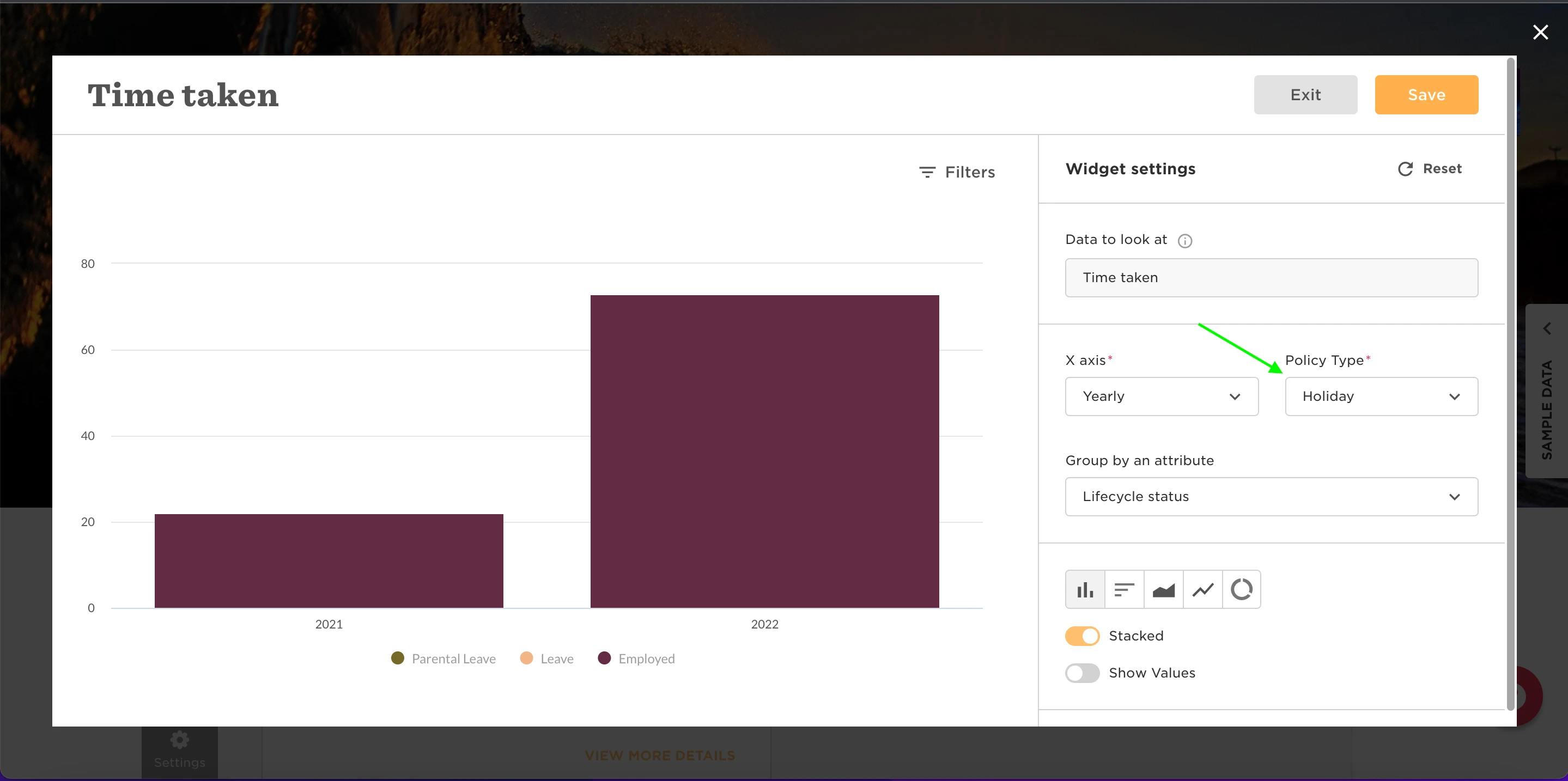
Then, you can select which policy type to view the data for.

You can view the time taken by specific policy within the widget by selecting the three dots > then selecting widget settings to dive into the Widget configuration.
Then, you can select which policy type to view the data for.
Already have an account? Login
Not a customer yet? Enquire today. Create an account
Enter your E-mail address. We'll send you an e-mail with instructions to reset your password.