

If a promotion is initiated through a Compensation event, the associated task list is triggered when you update employee profiles - not when the event receives final approval.
After completing and approving the Compensation event:
- Open the completed Compensation event.
- Click the three dot button on the top right.
- Select Update profiles.
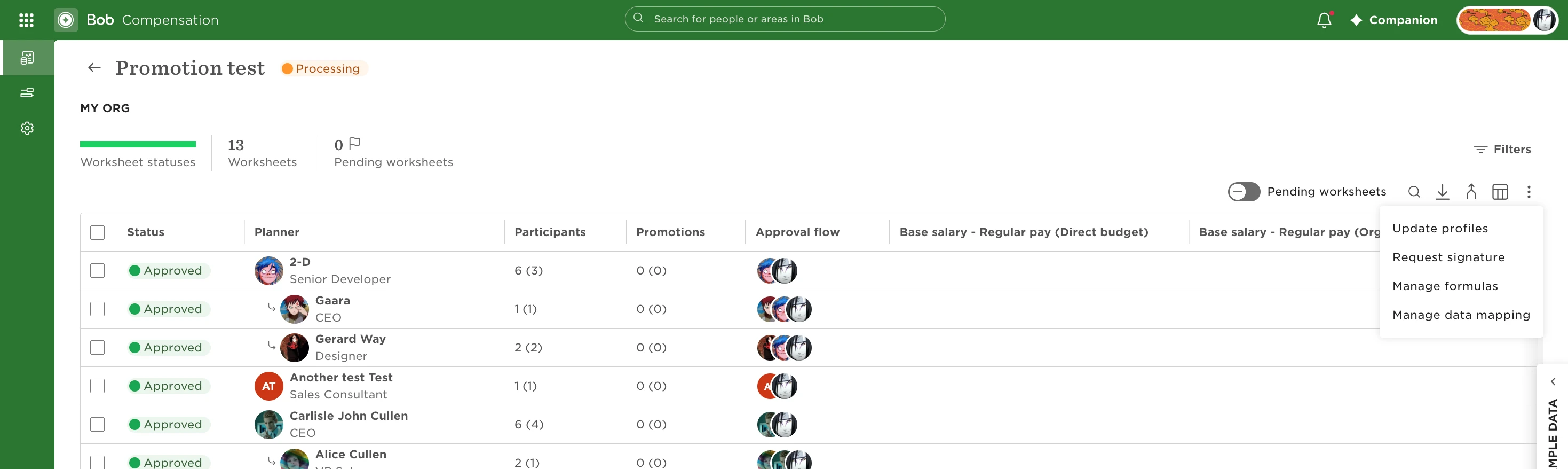
The changes made during the event are applied to the employees’ profiles and any relevant task lists associated with those changes are triggered.