

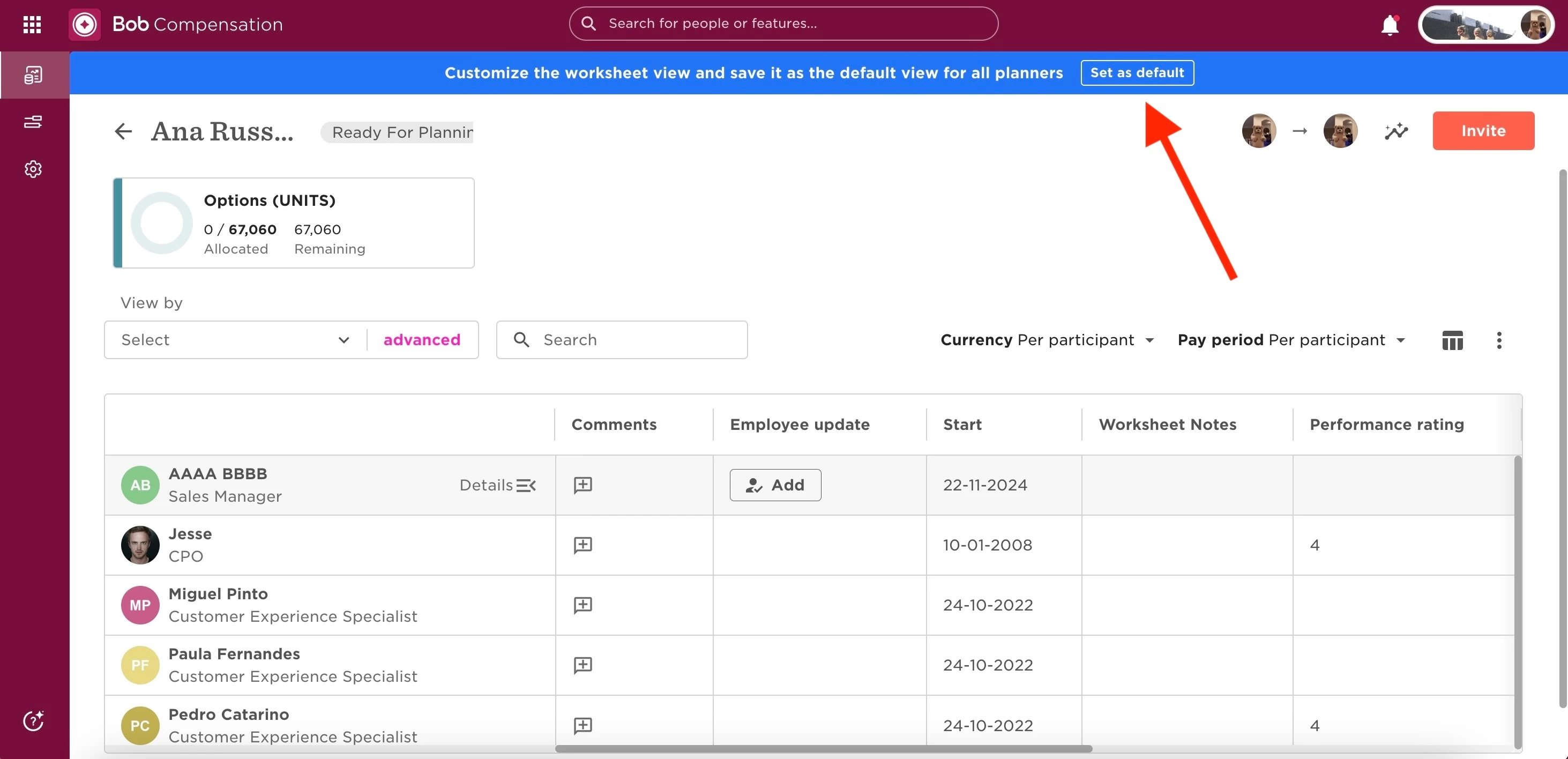
You can only set default worksheet columns for all planners before launching a compensation event. To do this, click Set as default on the blue banner above any sheet.
Once the event is launched, each planner must choose their own columns using the Column picker at the top right of their worksheet.
This is also covered in our Help Center article: Compensation overview for Admins