In order to close a compensation event, all worksheets will need to be in the "Pending approval" status.
As soon as all worksheets are in "pending approval" status, the admin can "share all with approver" by clicking on the three dots on the right. All worksheets will be sent to the event approver for their review. Afterward, the final approver can approve all worksheets individually or in bulk.
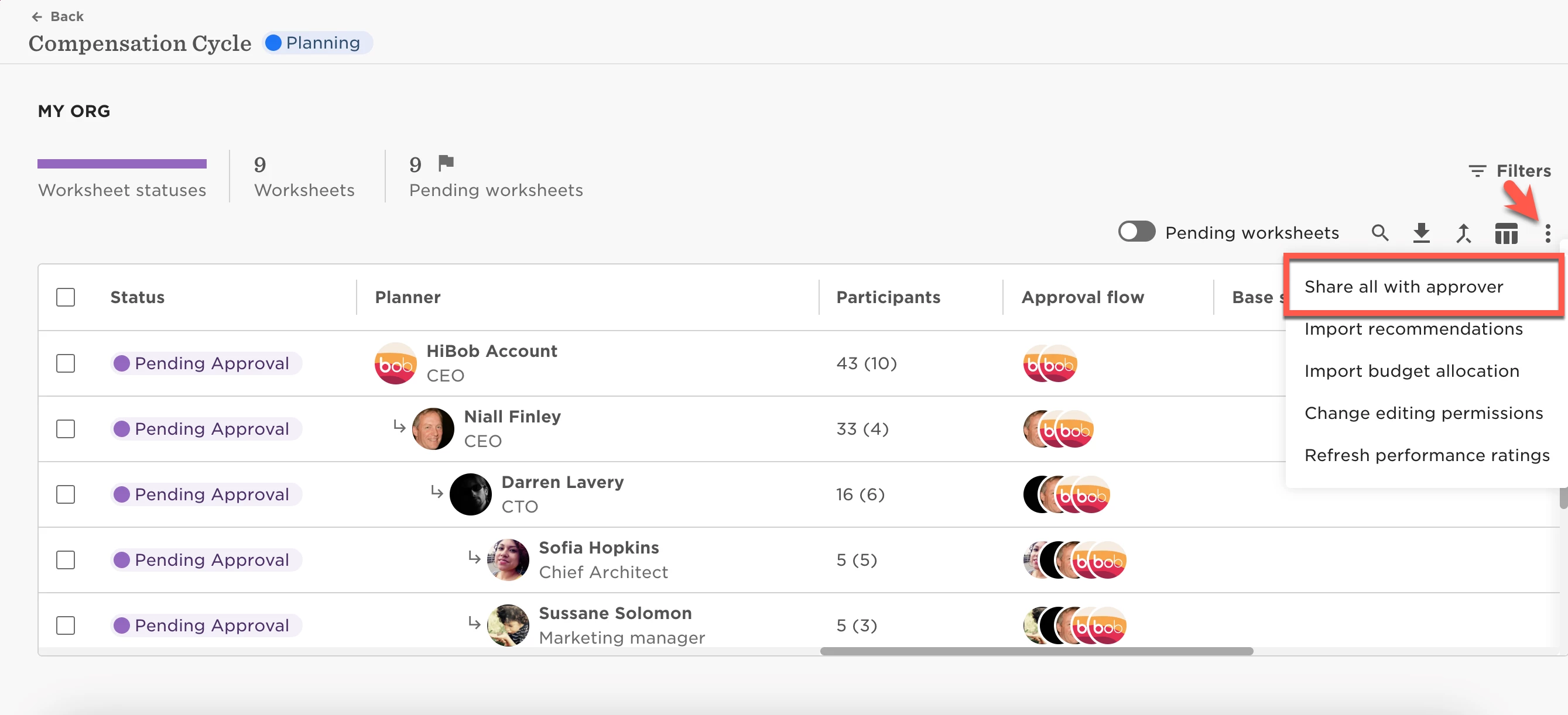
After that, the final approver will be able to select all worksheets and approve them.
When all worksheets are in “approved” status, the admin can update the changes in the employees' profiles (Update all in EE card) and/or request signatures from the relevant employees.
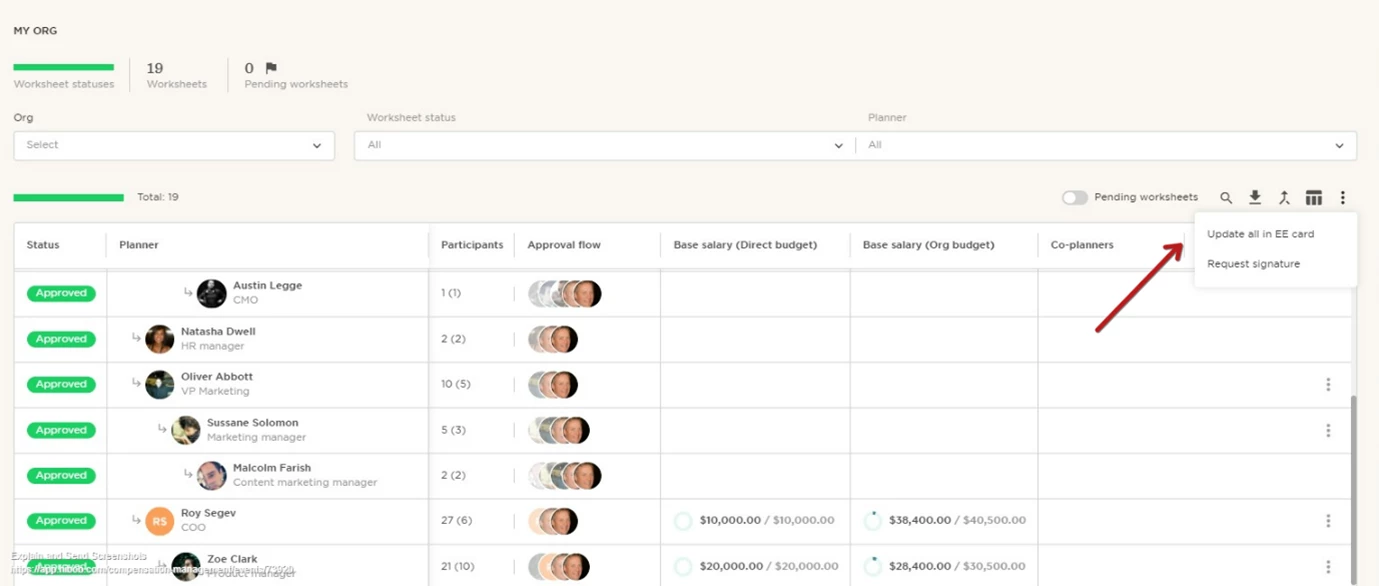
The next and final step would be to end the event - to do so, click "End Event".