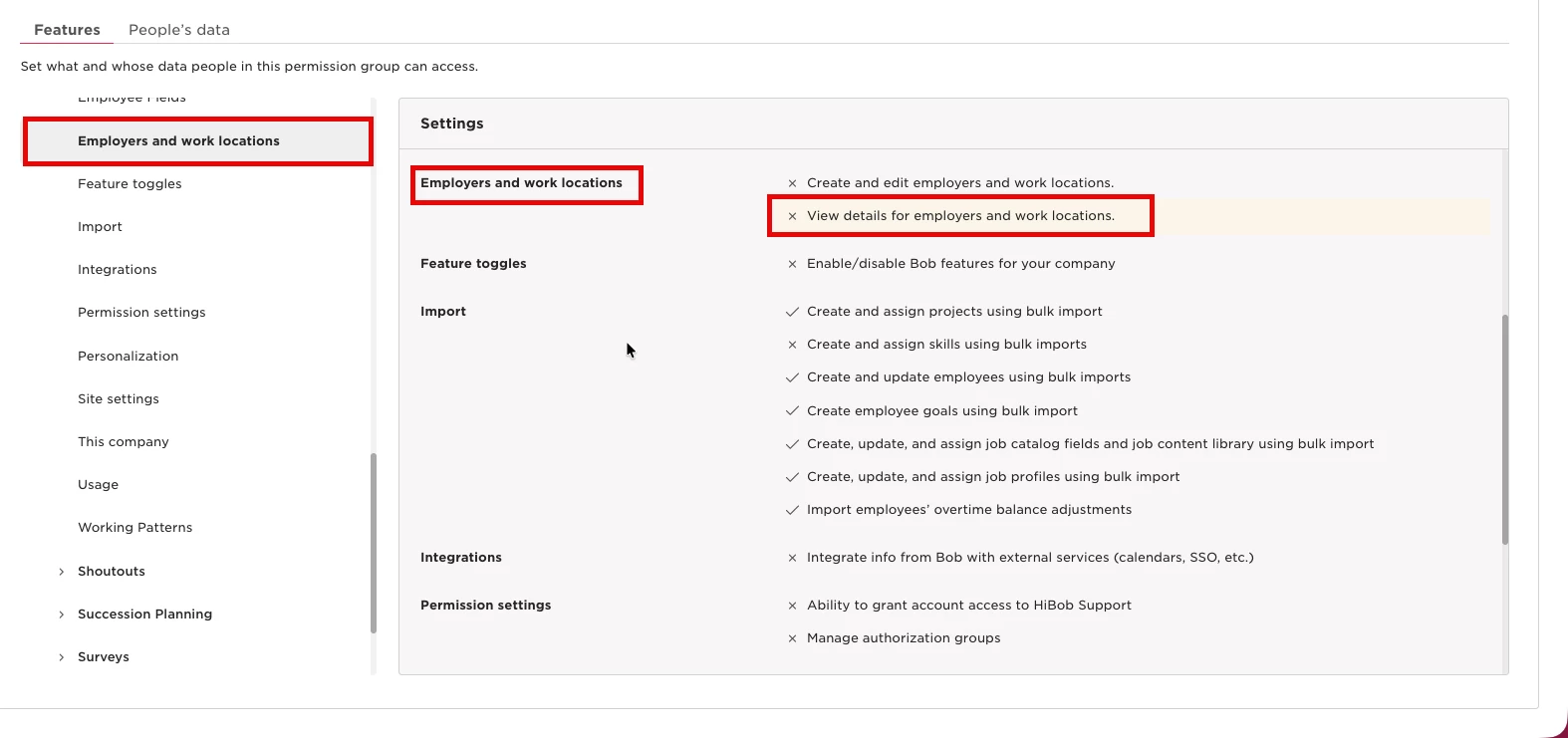
When setting up a compensation event, you can add custom Variable pay and Actual payments components for managers to review or change in the worksheet.
To create a new component, add it to the relevant list in People's data fields:
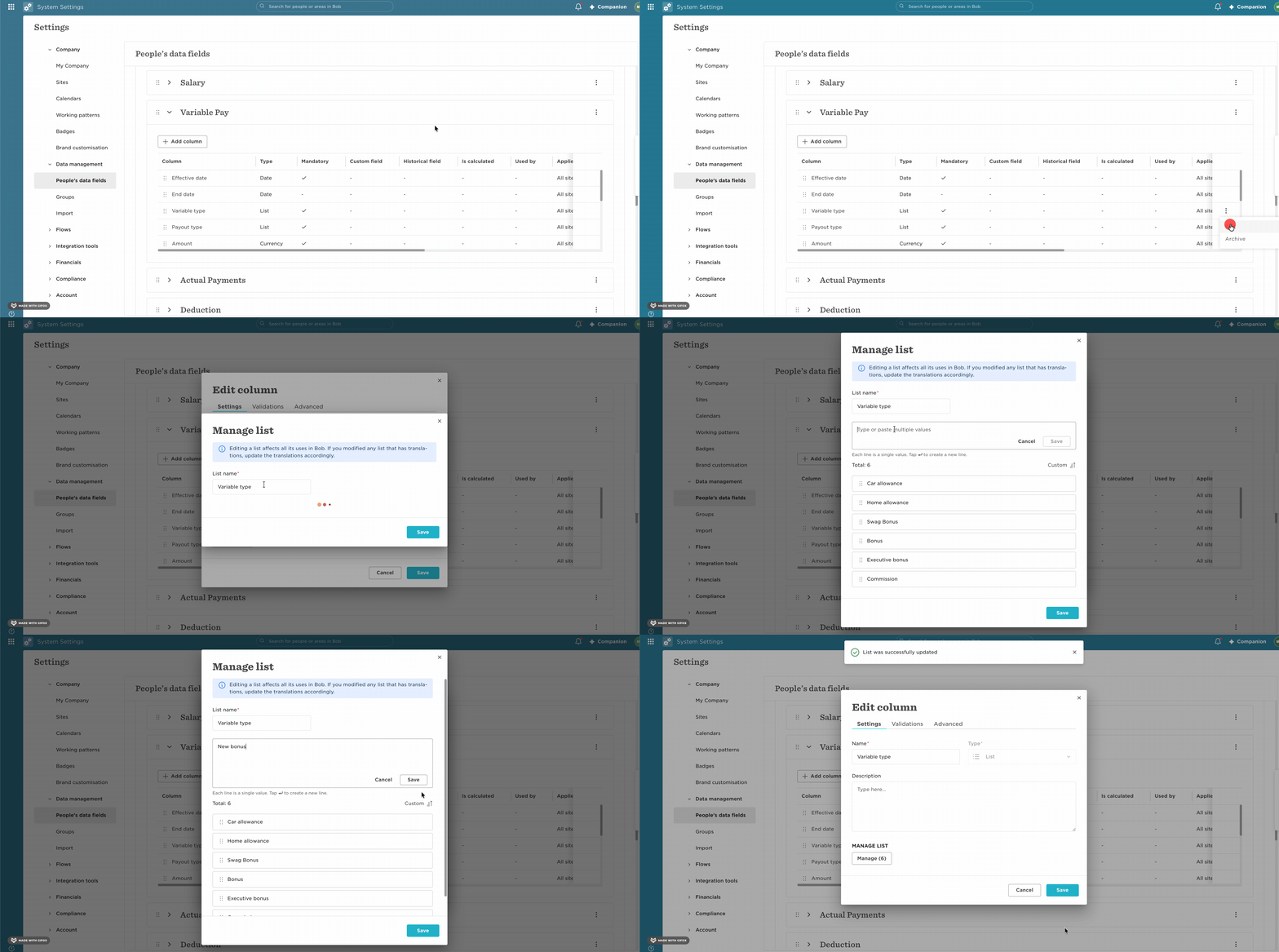
- Go to Settings > People's data fields.
- Locate Variable pay type or Payment type, depending on the component you want to create.
- Edit and add the new component to the relevant list.
- Return to the compensation event setup and select the new component to be reviewed in the event.
Custom fields can't be added directly as components to a compensation event. If the component you need isn't available, create it under Variable pay or Payment type using the process above.