If you are an Admin in Bob, you will see a section called Get more out of Bob at the bottom of your Bob Products menu, which is located as a menus icon on the top left of your screen in Bob.
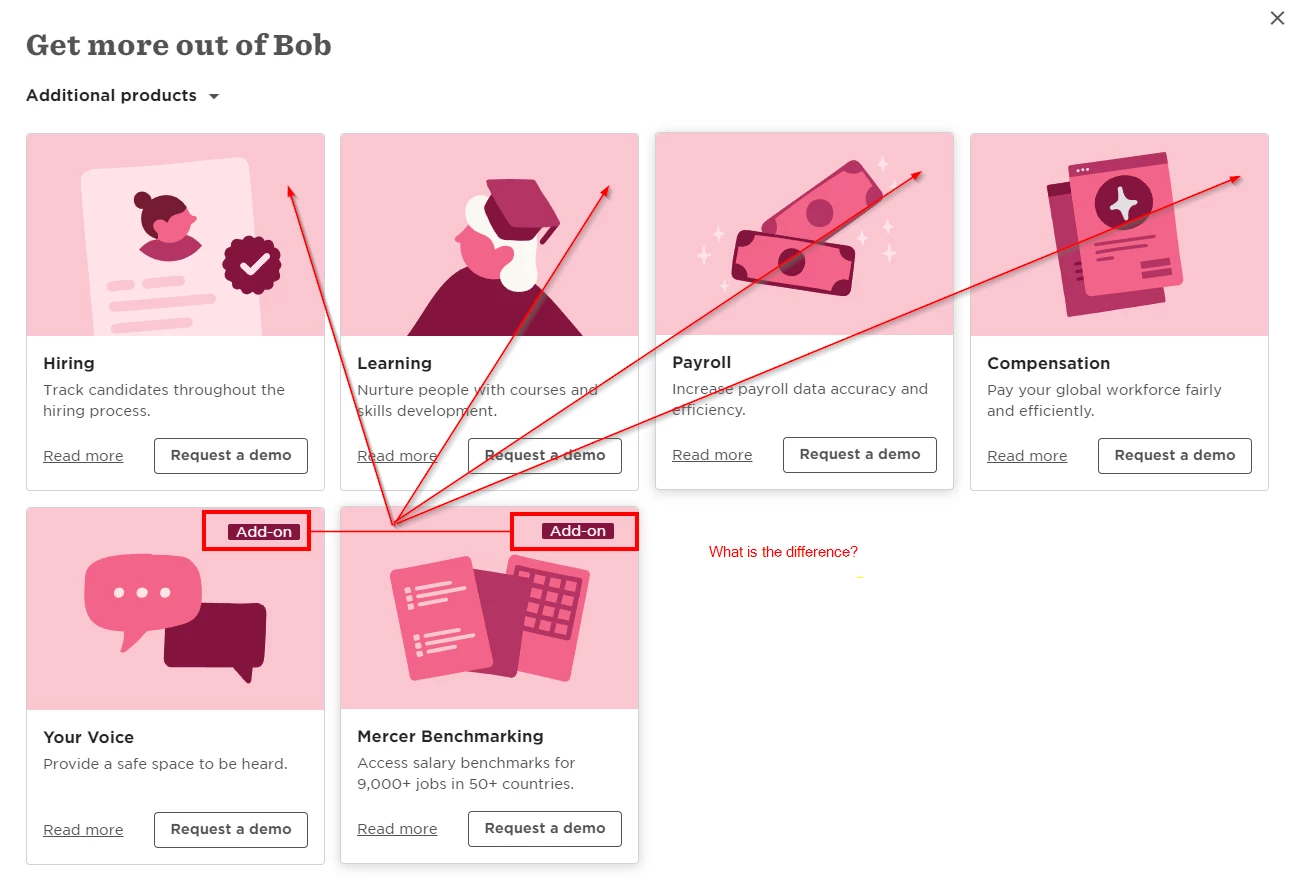
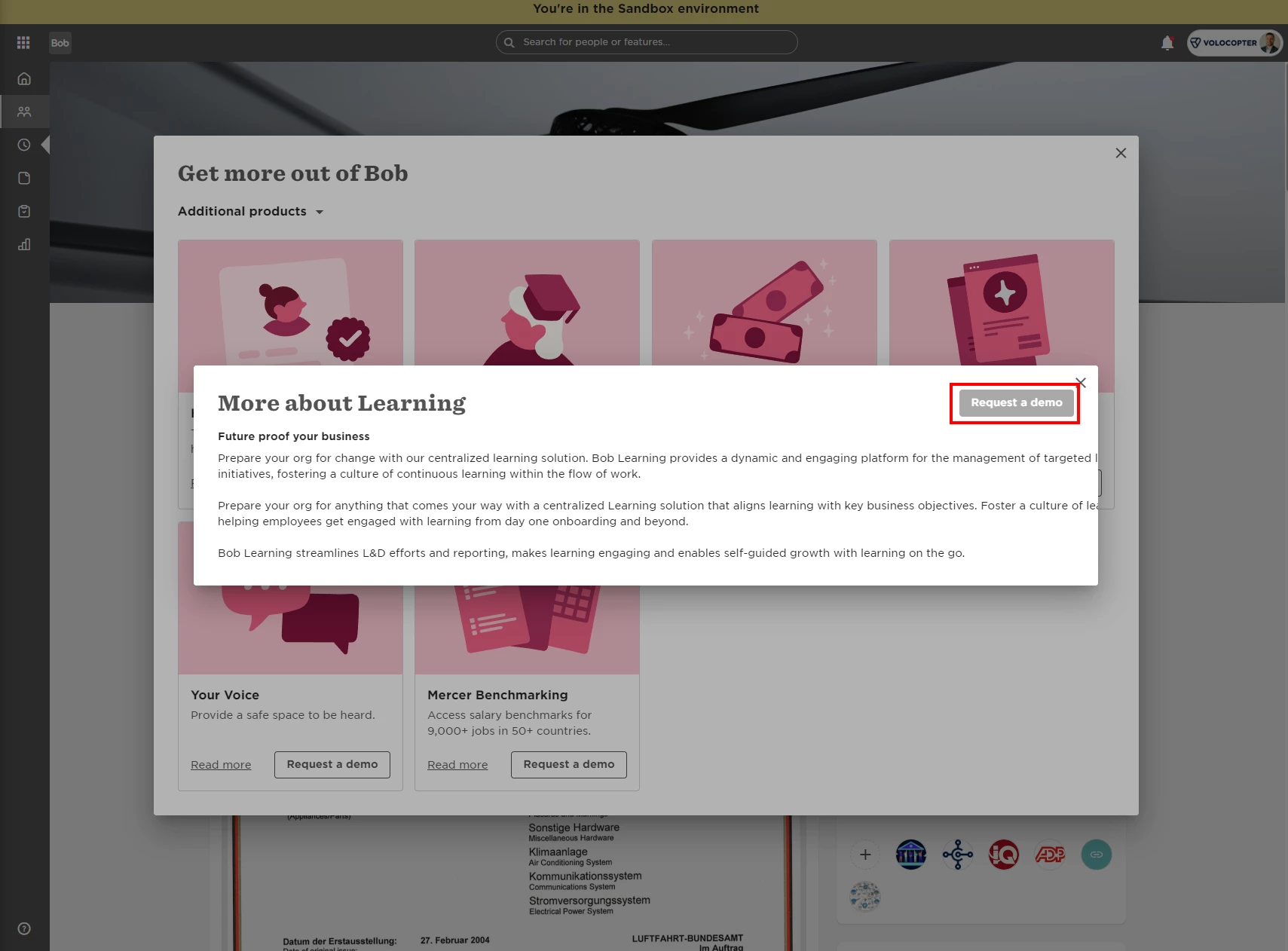
Click Get more out of Bob, and you can check out all of the Bob Products we offer, read more about the ones which interest you, and even request a demo (this will send a notification to your CSM, who will get in touch).
- Select the menu icon, located on the top left of your screen in Bob
- Select Get more out of Bob, which is at the bottom of the Bob Products dropdown menu
- Learn more about the Bob Products we offer!
Example of the Bob Products menu:

Example of what you see when selecting Get more out of Bob:

Thanks very much!