

Work Status Events (WSEs) automatically evaluate employee and dependent information against your organization’s benefit rules and can trigger benefit-related actions.
For example, an Over Age Dependent WSE can identify a dependent who has reached the plan’s maximum eligible age and trigger the appropriate coverage action.
WSEs run automatically based on your organization’s BenAdmin configuration and can trigger one or more actions, including:
- Create a Life Event – Opens a Life Event when additional action is needed. For example, a change in an employee’s eligibility status may open a Life Event so the applicable benefit changes can be reviewed and completed.
- Recalculate benefit costs – Recalculates coverage costs when an employee reaches a new age or rate band.
- Terminate coverage – Ends coverage when a dependent or employee no longer meets the plan’s eligibility requirements.
- Send a notification – Notifies an employee when a WSE results in a benefit-related change.
The applicable WSEs and their actions are configured as part of your organization’s BenAdmin implementation.
Review Work Status Events in BenAdmin
You can review WSEs that have been processed across your organization.
- From Bob, go to Benefits > Open BenAdmin.
- In BenAdmin, go to Data & Tools > Work Status Processing.
- Select the Filter icon to search for Work Status Events.
You can filter events by:
- Execution type: Automatic or Manual
- Date range
- Event type
- Open or closed events
For example, to review employees who experienced a Loss of Eligibility – Health Savings Account event, select the relevant event type, enter a date range, and choose whether to include automatic, manual, or closed events.
Review Work Status Events for an employee
To review WSEs for an individual employee, open the employee’s profile in BenAdmin and scroll to History.
Select the Work Status Events tab to see the events processed for that employee, including the action taken and the date of change.
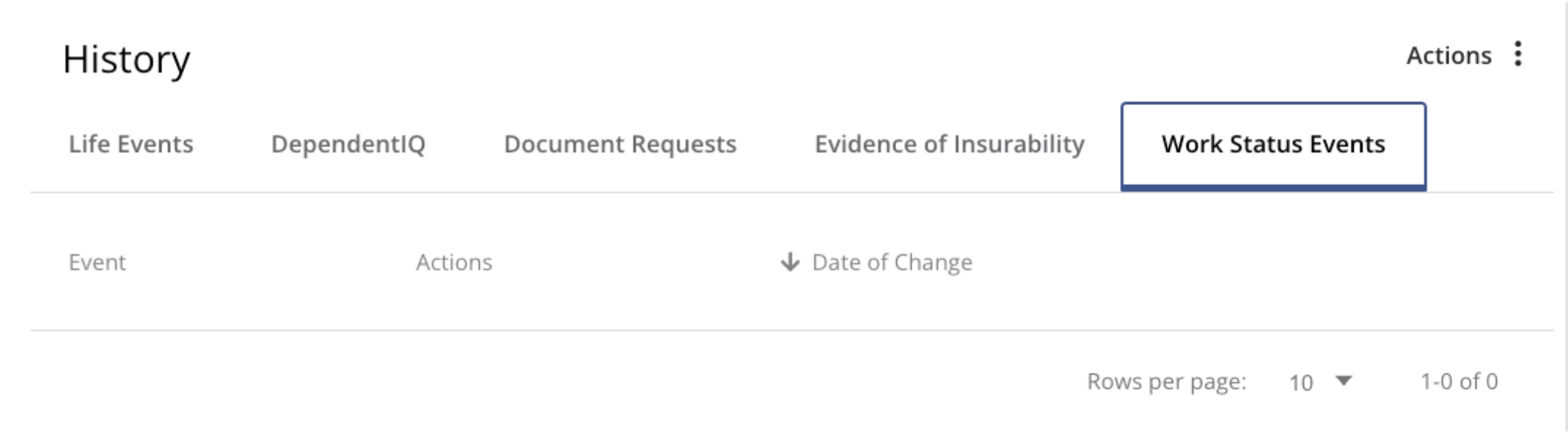
This can be useful when you’re reviewing an unexpected or automated benefit change and want to check whether it resulted from a Work Status Event.
Keep in mind: Work Status Events are configured as part of your organization’s BenAdmin setup and can’t be created or modified by customer admins. If you believe a WSE triggered an incorrect benefit change or needs to be reviewed, contact HiBob Support